Cultivate
The cultivate screen is where you can query online data to create local lists (or “crops”). Enter your targeted library and collections then generate crops for Weeding, Finding, or Transfers.
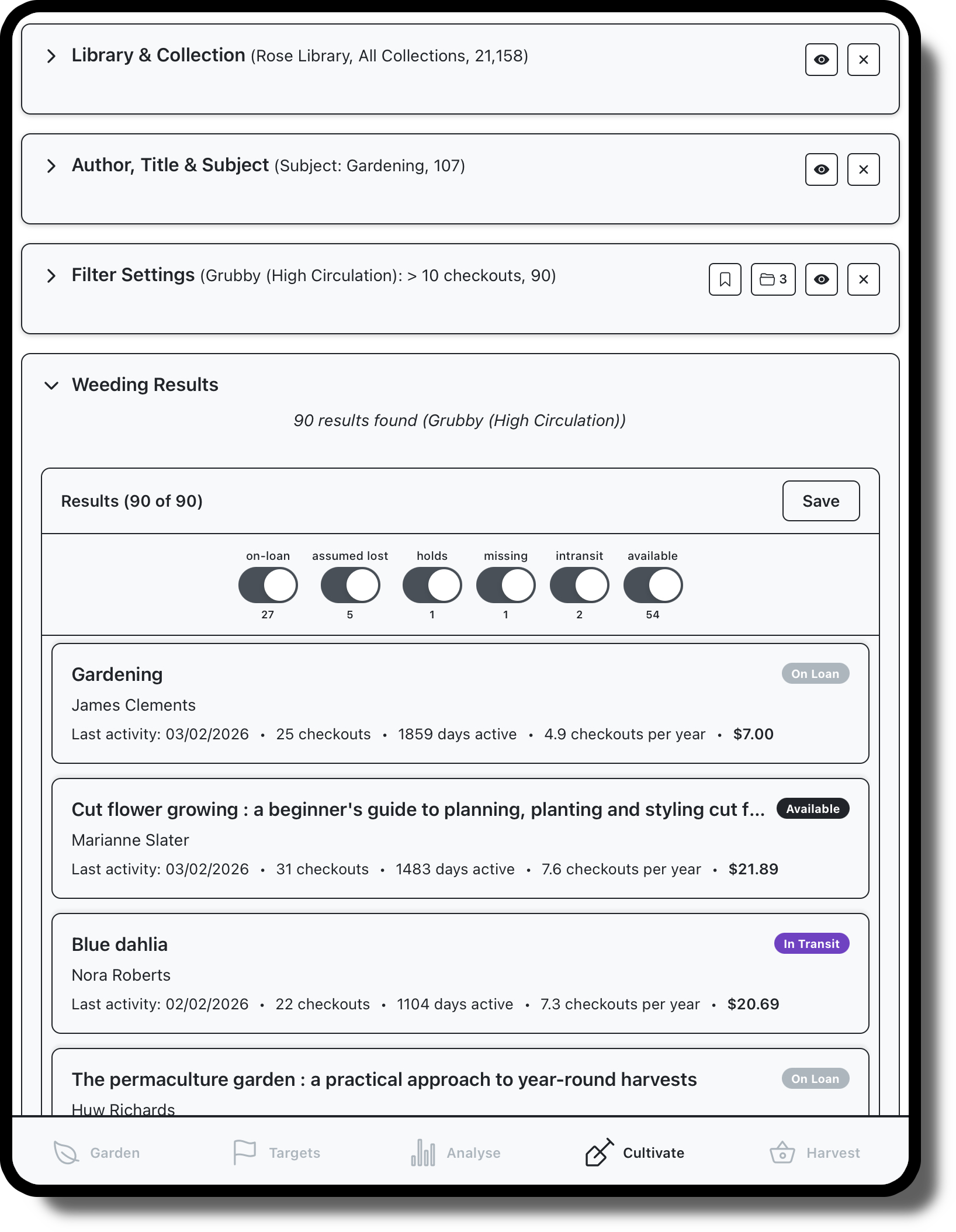
Use the Library and Collection panel to limit your search to a specific subset (or leave blank to search everything).
Use the Author, Title & Subject panel to apply specific search settings.
Use the Filter Settings panel to apply usage specific filtering, for Weeding, Finding, or Transfer. This panel can also be used to save the current cultivation settings, or load previously saved cultivations.
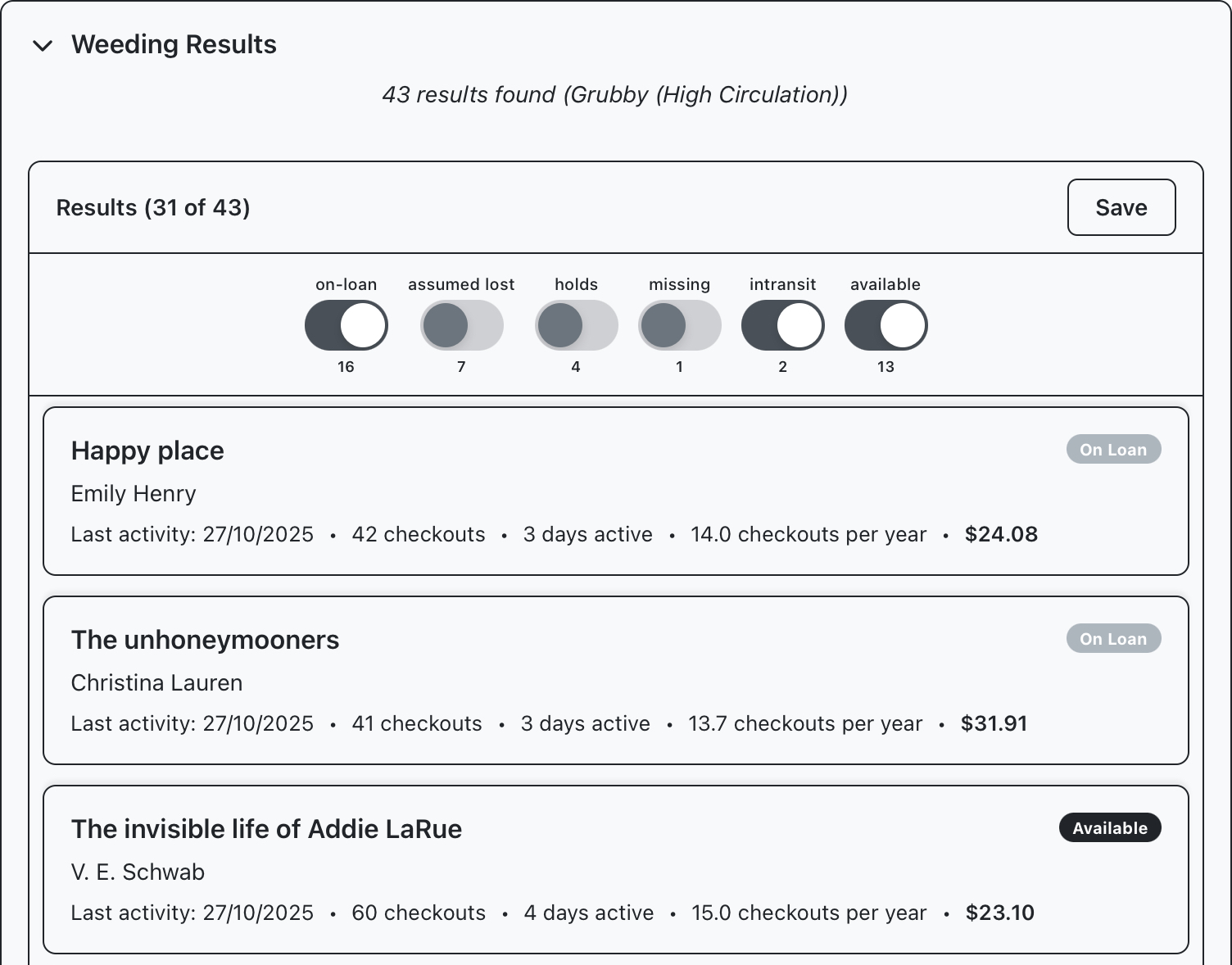
Use the Results Panel to filter your search results based on status and save as a new crop.
Library & Collection
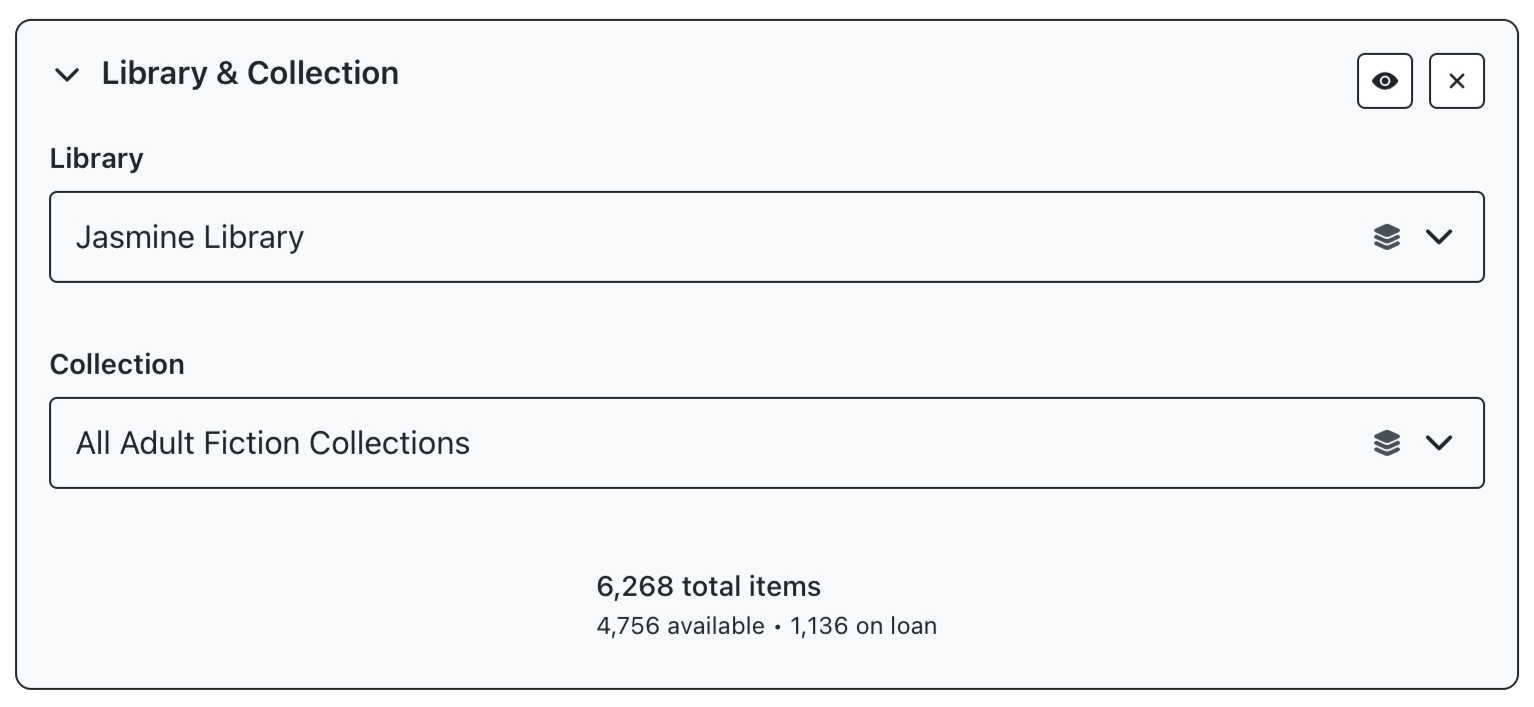
This panel can be used to select one or more libraries and collections to target, the buttons in the top right can be used to clear these selection or temporarily bypass them. The count at the bottom of the panel reports the number of items available in the selected library and collection groups.
Author, Title and Subject
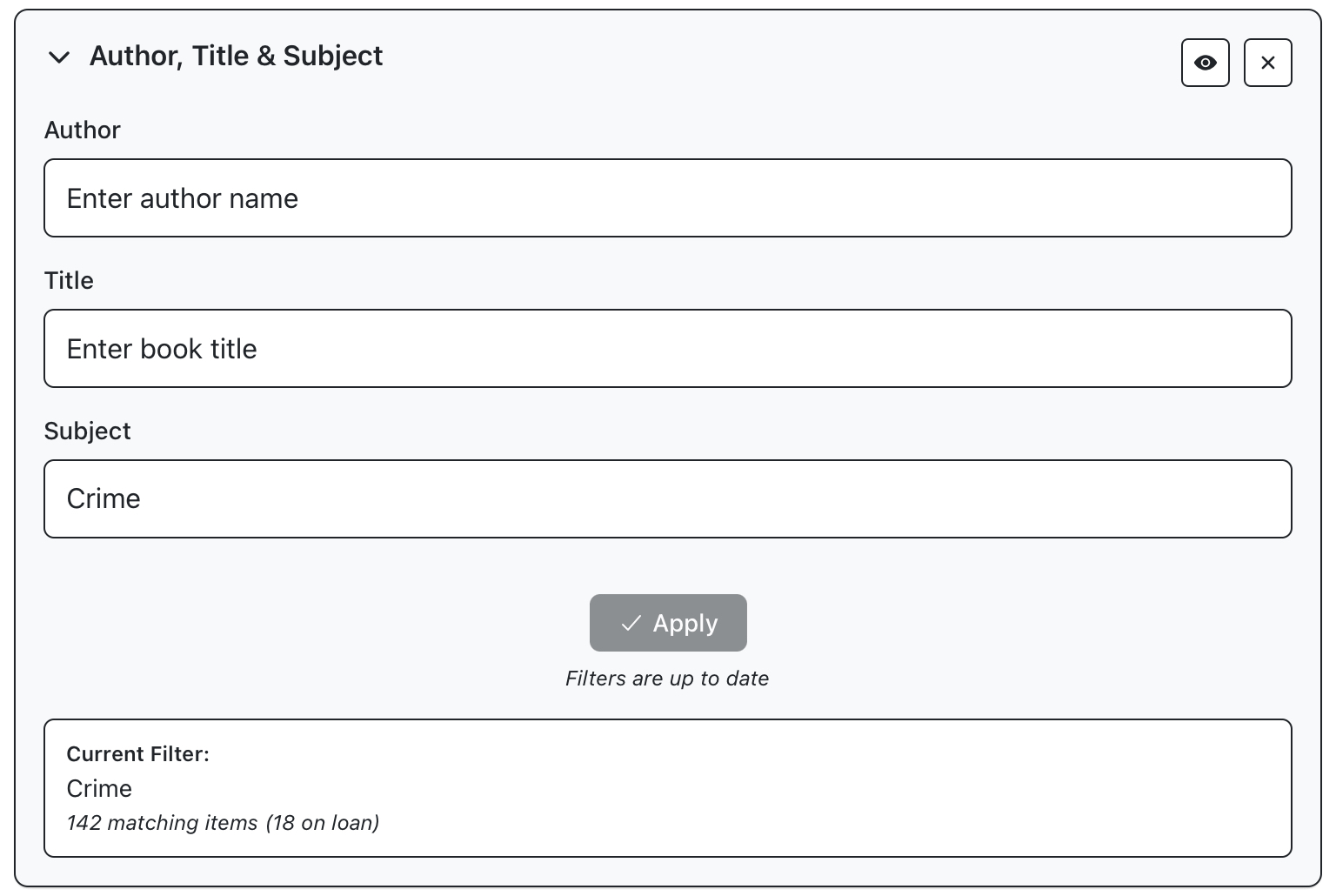
This panel can be used to further filter results for a specific author or title, or subject. This essentially works in the same way as the Library and Collection panel, except that it is downstream, so the count in this panel is reporting the number of matching items within the selected library and collection groups.
Filter Settings
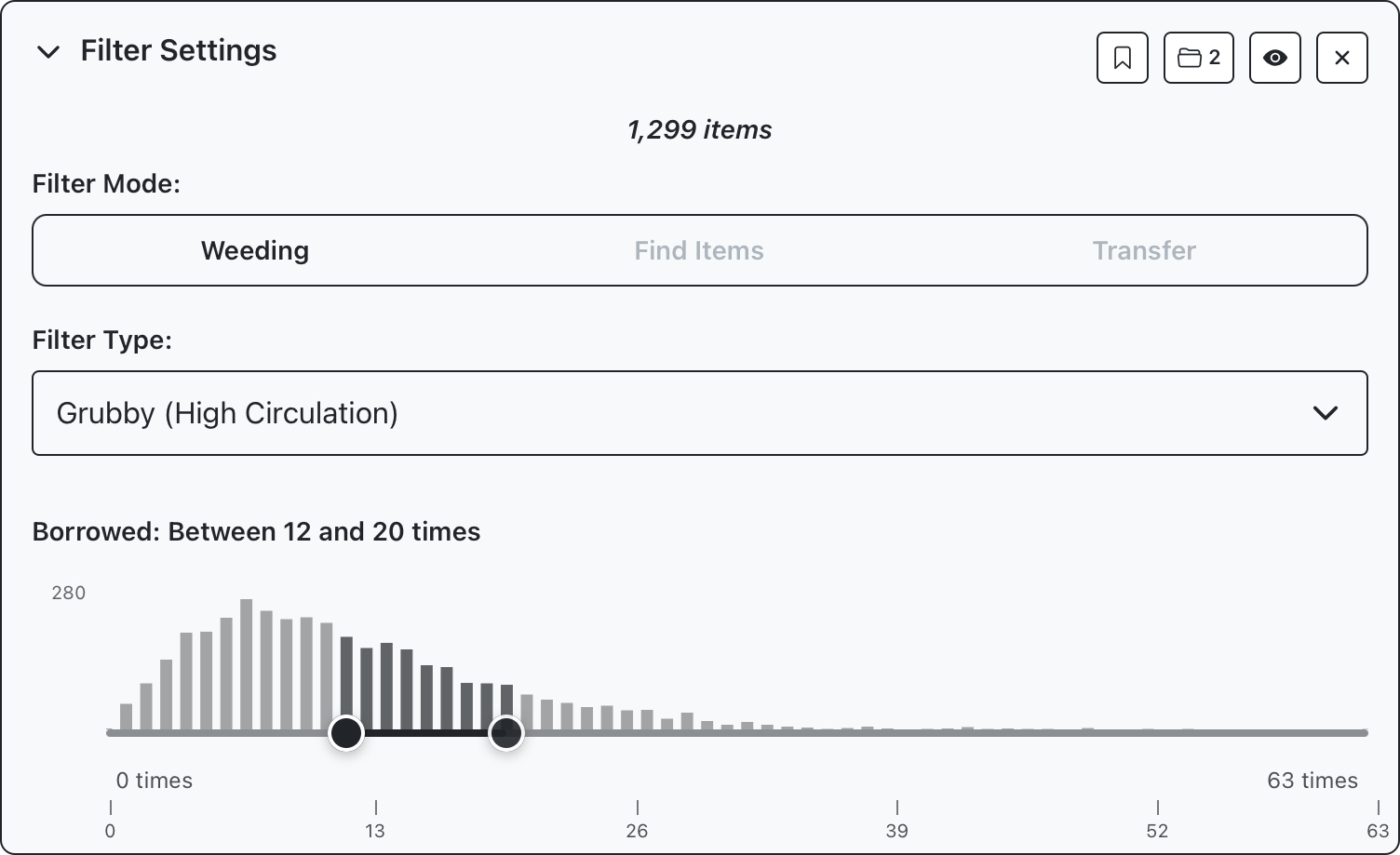
This panel is where you can apply usage specific cultivation filtering according to three supported types. You can also save your cultivation settings from this panel for future reuse. One or more sliders are shown, previewing the quantities targeted by your search parameters.
Weeding: Search for items based on a specific usage parameter like circulation, activity, or age.
Find Items: Search for items that are missing, in transit, or claimed returned, filtering results based on activity
Transferring: Displays sliders for circulation, age
Results
This is where you can view and save the results of your search as a new crop. Basic information is shown for each result, tap to see additional details.
You’re all set!
The following lessons will walk through some common use cases to get you started generating crops from your LMS data.