Cultivate
I want to transfer old books which were previously popular (books that are older than 5 years, have been borrowed more than 30 times, and haven’t been borrowed for 6 months)
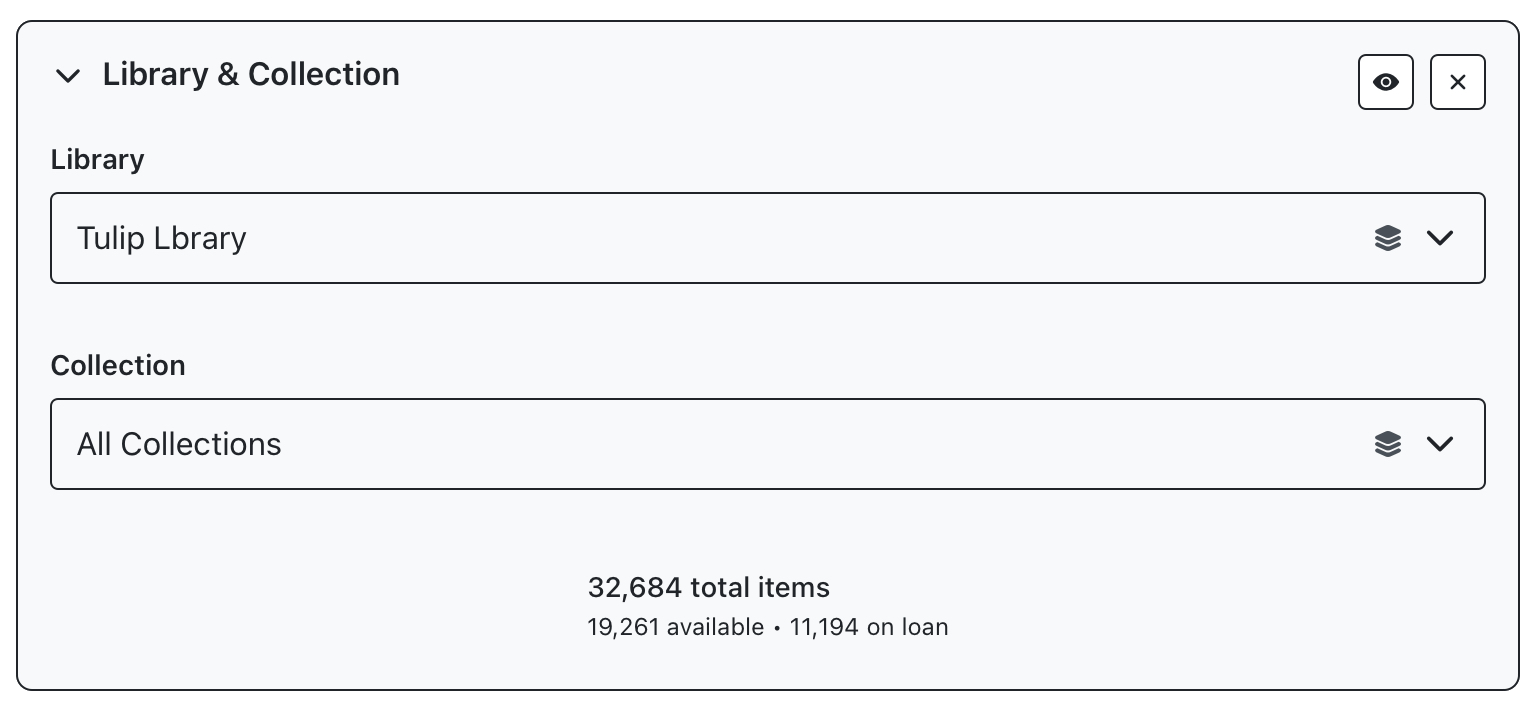
First we need to select the relevant options from the ‘Library & Collection’ filter panel, we’ll select “Tulip Library” and leave collection blank
We're not filtering for author or title here so we can leave the Author & Panel blank or hit the x in the top right to make sure it’s being bypassed.

In the ‘filter settings’ panel, select “transfers”, multiple sliders will display to configure your search. The count and range previews on each slider will update as you go, so when the checkouts slider is updated to filter out items with less than 30 checkouts, the previews on the other sliders will update to reflect the new counts. Configure all three sliders to apply the search.
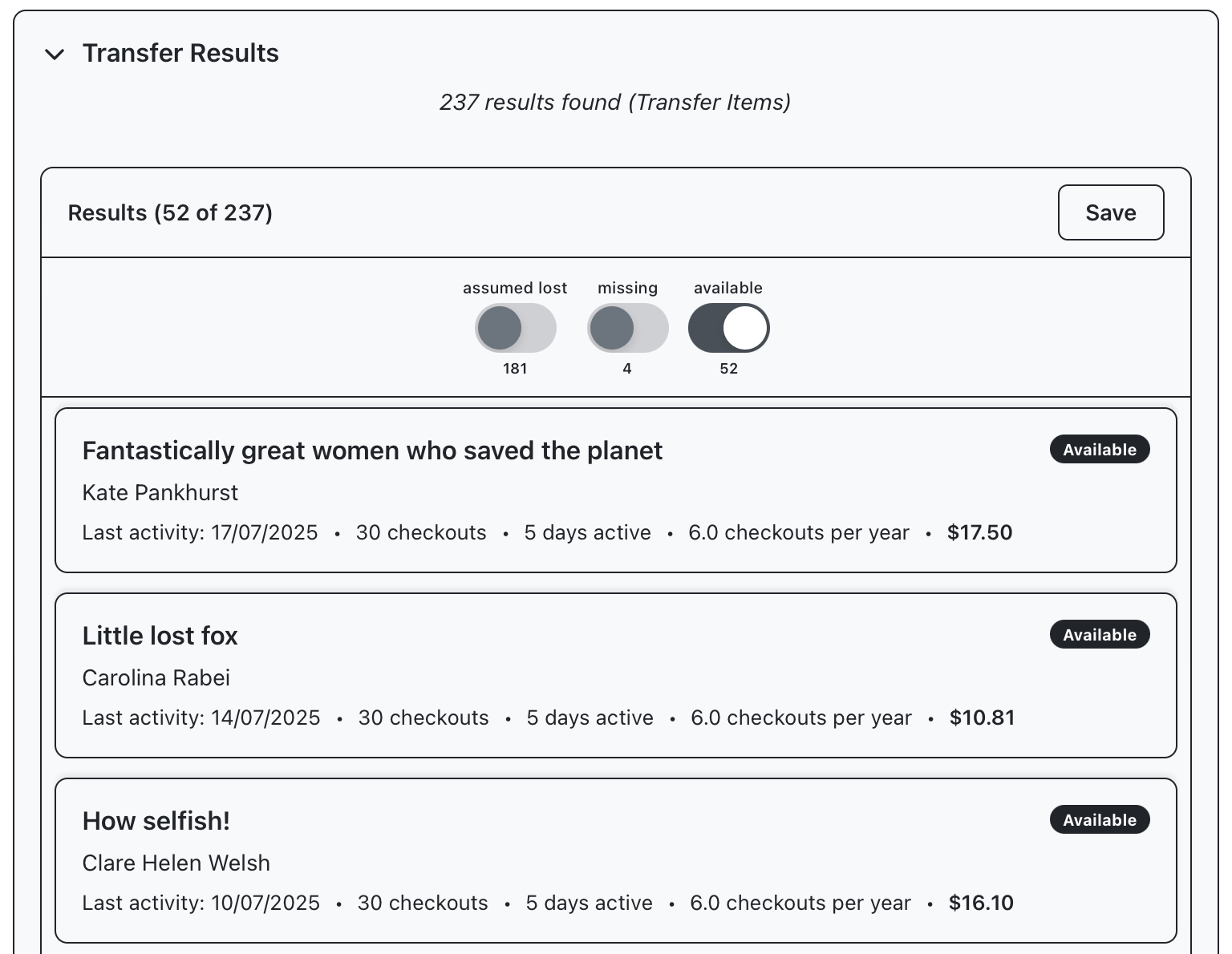
Open the results panel to reveal the items returned by our filter selection, switches can be used to exclude results that are in transit or assumed lost. You can hit go ahead and hit “save” in the top right of the panel, to open a panel prompting you to name the crop before saving.
Your crop will automatically open on the harvest screen, where you’ll see a gallery view containing your books. Additional queries will run in the background to fetch book covers and availability data.
You now have a list of books that ready to be worked on as potential item transfers.
Continue reading to learn more about other Cultivation types, or if you’d prefer to get started managing this crop immediately, use the button below to jump to the Harvest section.