Harvest
Can I take actions with my crop, ticking off and exporting the subset list of items that I actually find on the shelf so I can send that to the local school?
Once a crop is ready for use, it can be used on the floor, adding/updating/deleting books and generating new sublists. Books can be checked off as found or missing in the gallery and list views, then managed through action buttons in the filter panel.
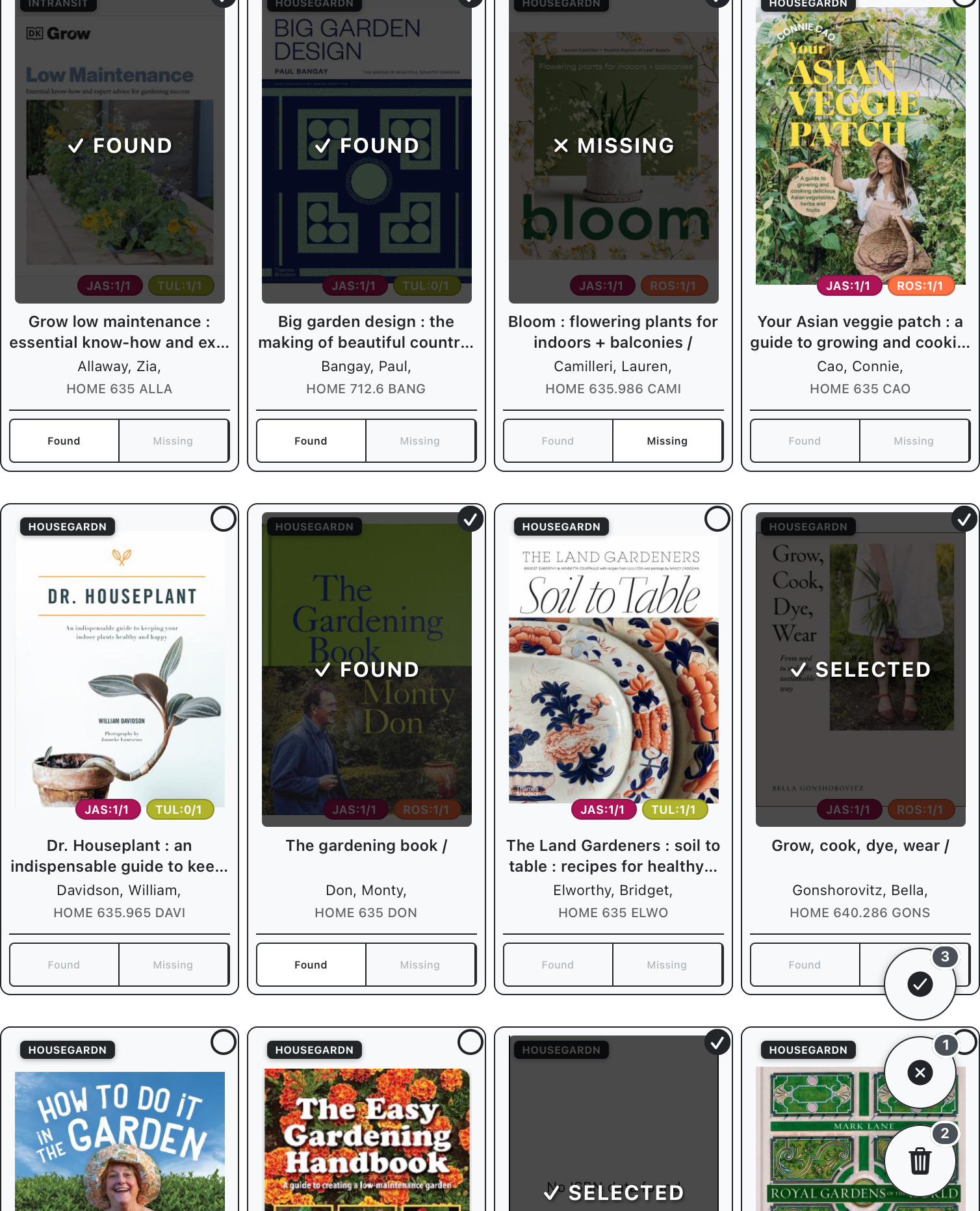
First, we can go through and mark off any items which cannot be physically located. These can be marked off as missing from the list or gallery displays, and then deleted using the floating action button.
After this, we can mark off items we actually find on the shelves, then use the “create new” button in the filter panel to create a new crop from selected items.