Cultivate
I want to create a list of books relating to time travel
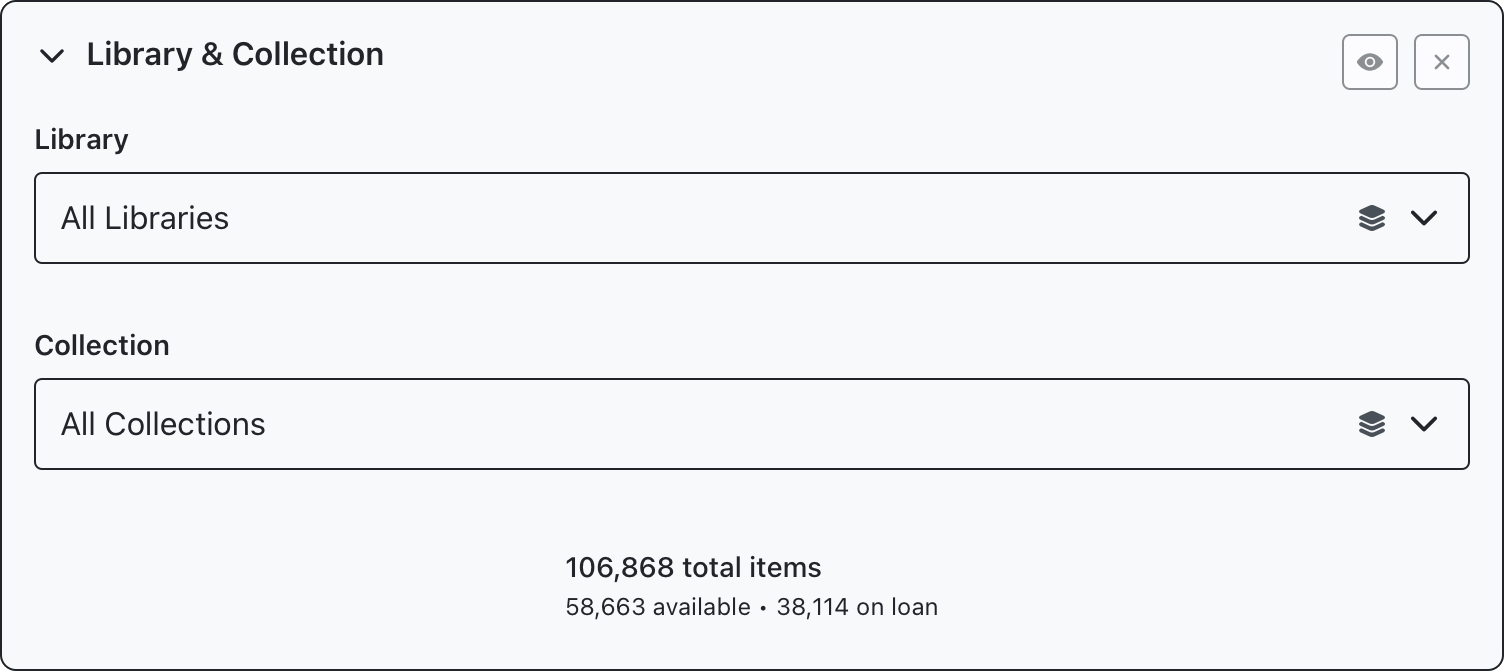
Unlike the previous examples, we’ll leave the Library and Collection filter blank, to search across all libraries and collections. You can use the eyeball or x buttons in the top right corner to bypass or clear this panel.
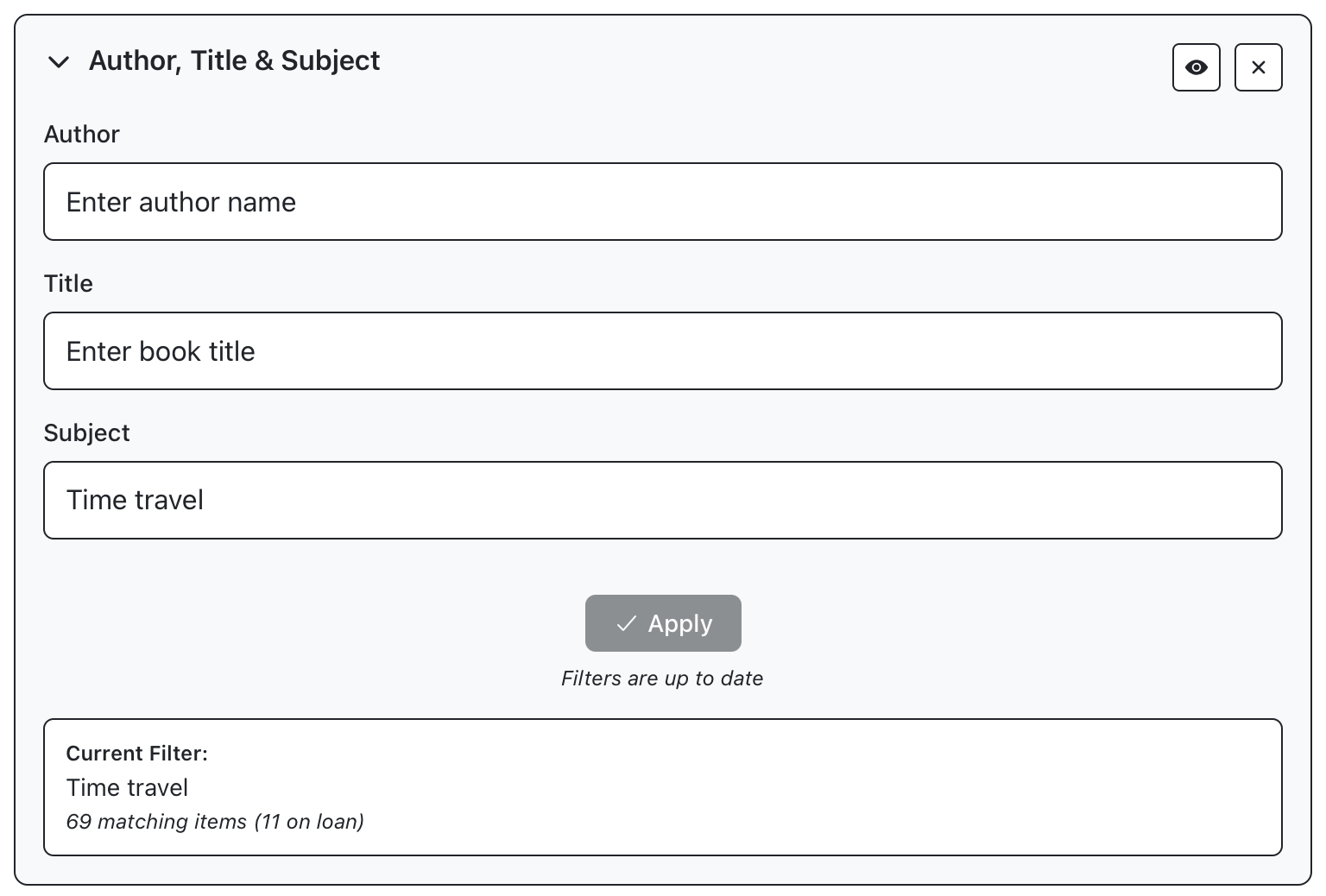
The Author, Title and Subject panel can be used to enter a desired subject. Enter “time travel” into the subject field and click apply.
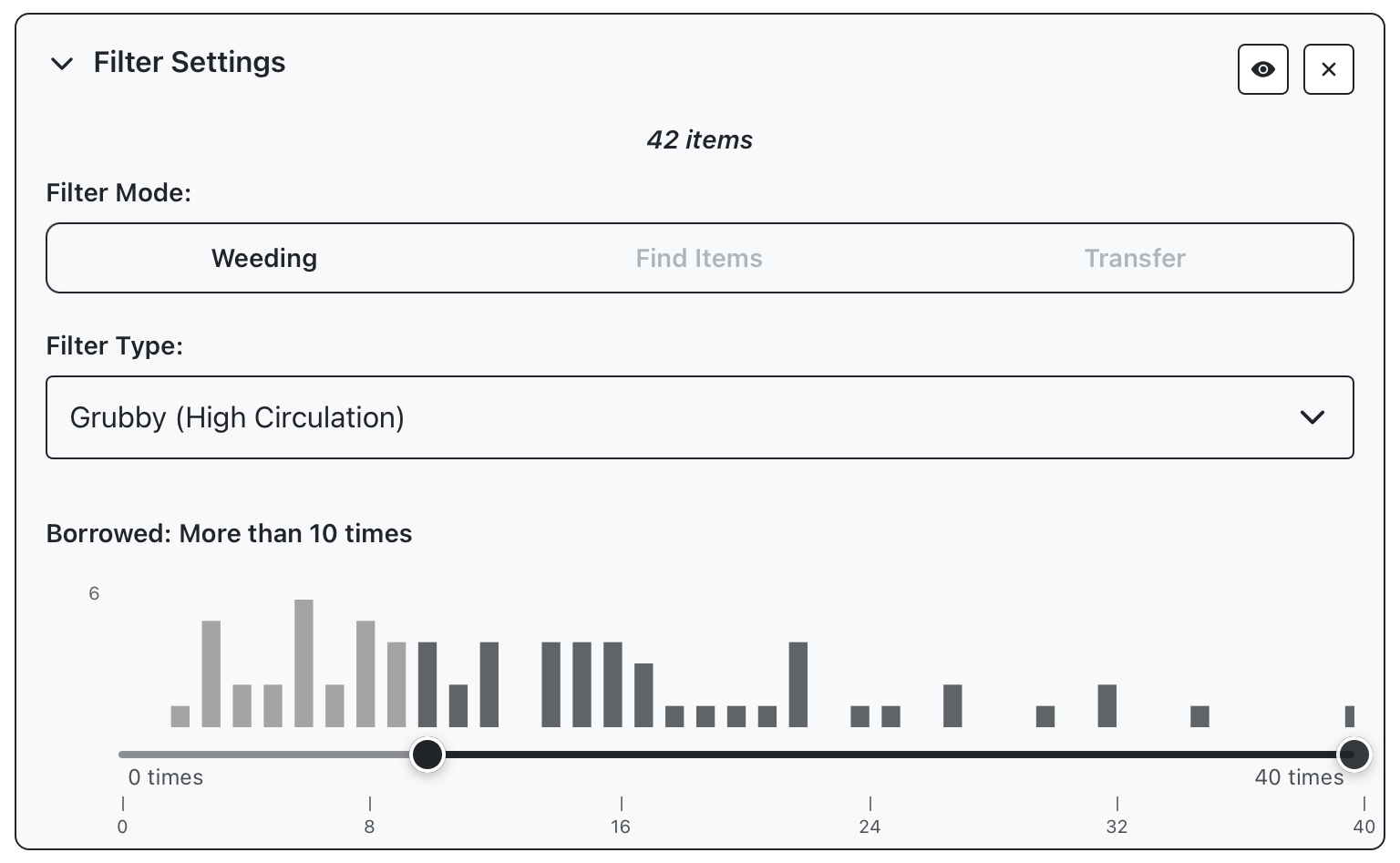
The same cultivation filters that have been shown in previous examples can be applied in tandem with subject filtering. This is optional, but we can use the weeding filter to limit our search to entries which have been borrowed at least 10 times.
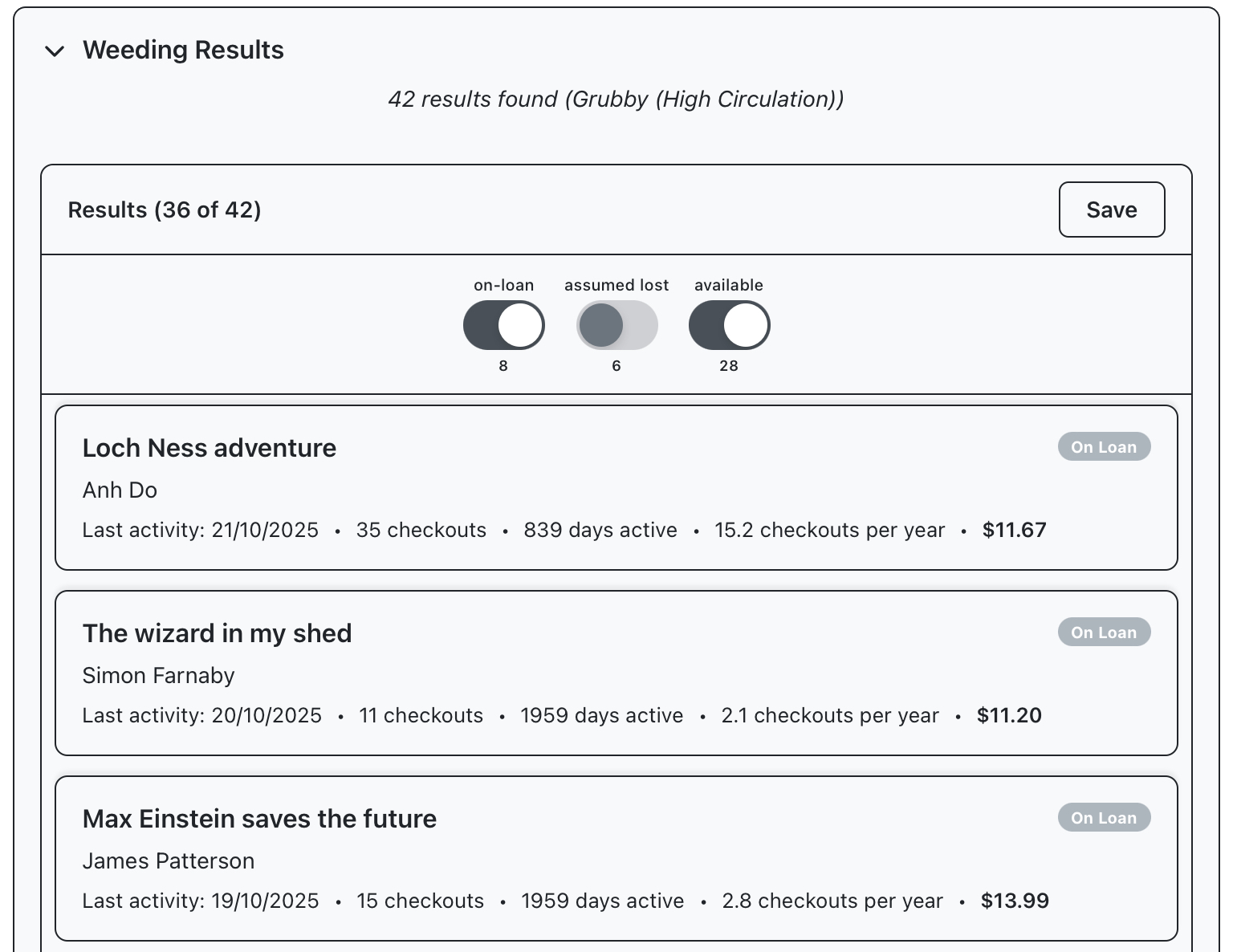
Open the results panel to run the query and return specific entries, along with some basic information like checkouts and last activity. Switches above the results list can be used to exclude certain statuses. We’ll exclude results which are assumed lost.
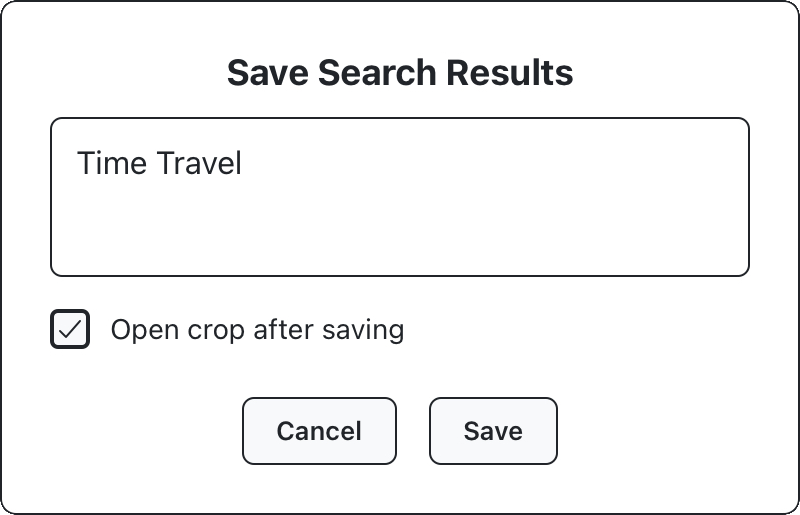
Use the save panel to save your crop. Unlike previous example, we’ll give this crop a descriptive name before saving, and leave “open crop after saving” checked, to continue harvesting this crop in the next section.