Garden
This is where you can manage your created crops, create new gardens, and sync data.
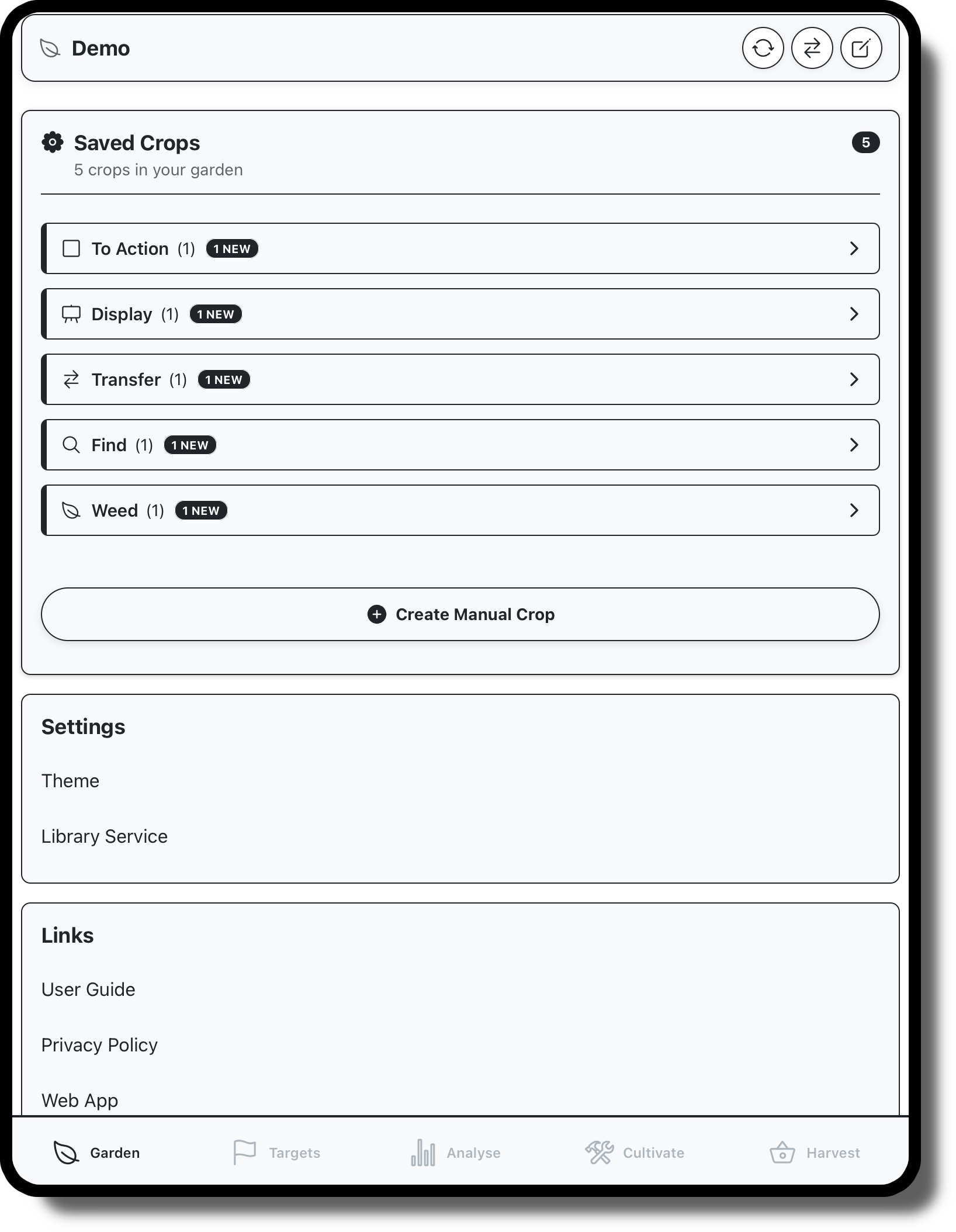
Mange gardens on your device, create new ones or sync change to cloud
Create manual displays and manage crops within your current garden
Change application theme or target LMS
Access common links

Garden Panel
The “Garden” refers to the current collection of crops loaded onto your device. You might want to create a garden for your branch to use to share books, or you might want to make your own local garden, without sharing this with other staff. This panel is where you’d do any of that, it ahs options for the following:
Sync: This will upload your garden, making it available to other staff at your branch., or if the garden is already available online, will upload your crops and download any new ones.
Change: This button will open a display prompting you to select from available gardens on your device or online, new gardens can be created form this display
Edit: This is where you can rename your garden, or delete it entirely. Accidentally deleted gardens can be recovered through your chain’s data portal.
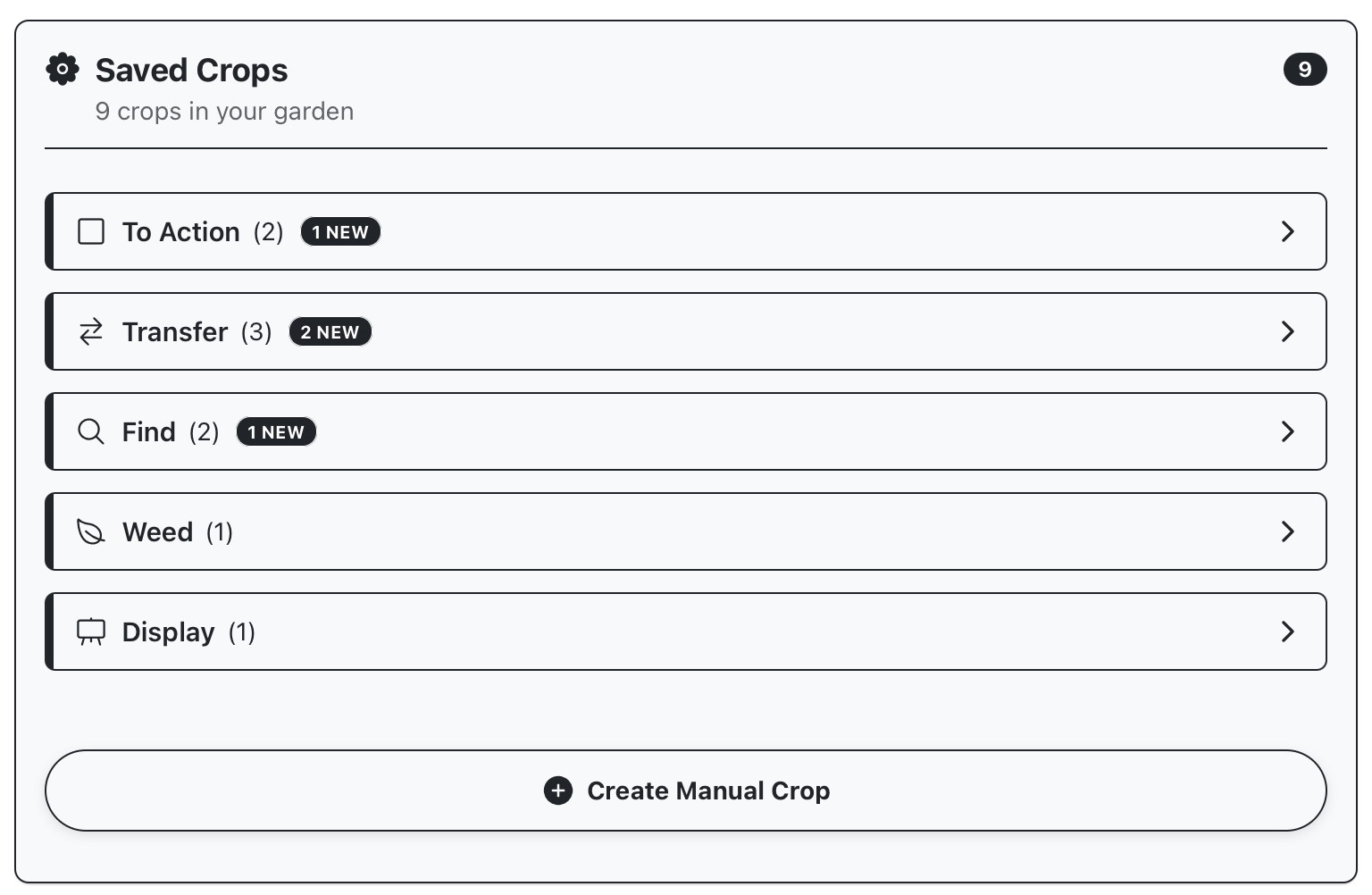
Crop Panel
The next panel displays crops for the current garden available on your device (make sure you’ve synced online garden to ensure they’re up to date). Tapping a crop open available actions; you’ll mostly want to be opening crops for harvesting, but there are also options to export, move/copy/merge and delete crops from this display.
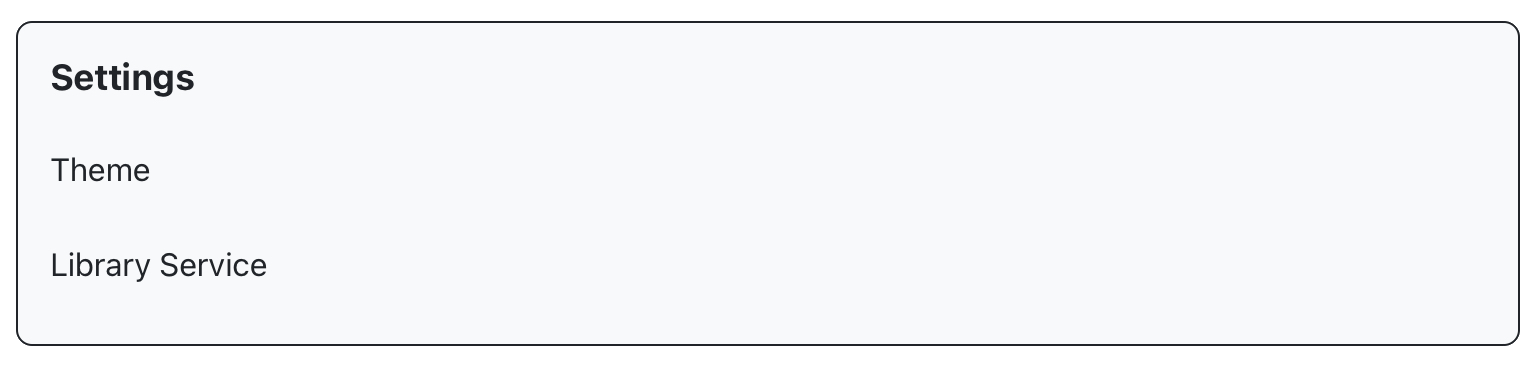
Settings Panel
Change theme or Library Service
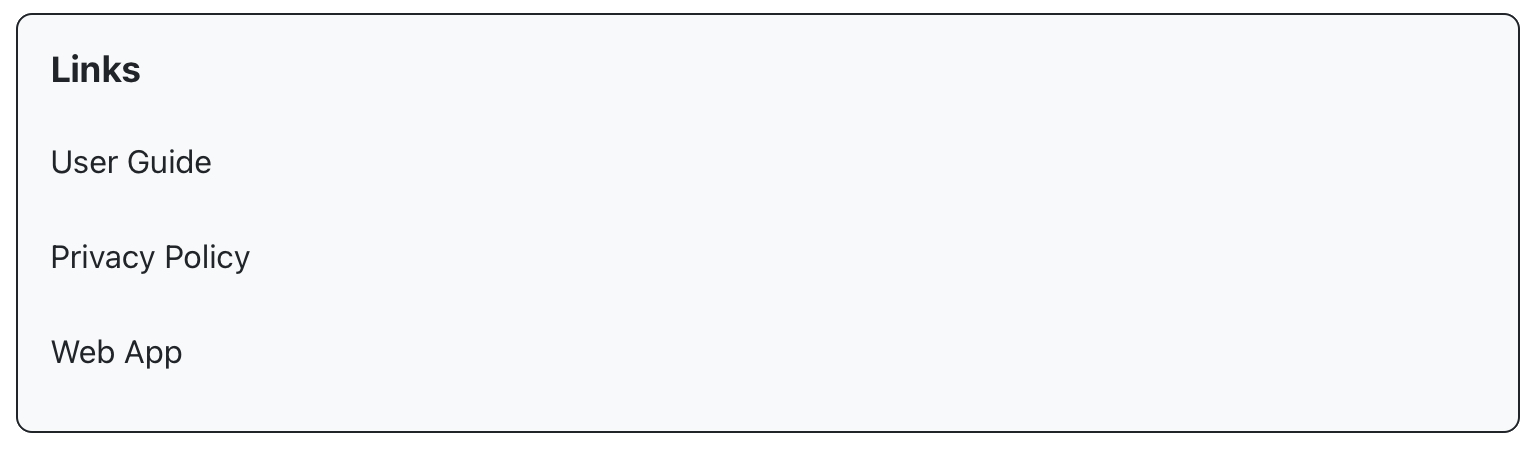
Links Panel
Quick links