Getting Started
Each workflow supported by the application is associated with a specific screen, accessible through tabs at the bottom of the display. Crops can be created from the Cultivate screen, edited in Harvest, and then managed in Garden. Targets and Analyze screens support statistical analysis.
Cultivate
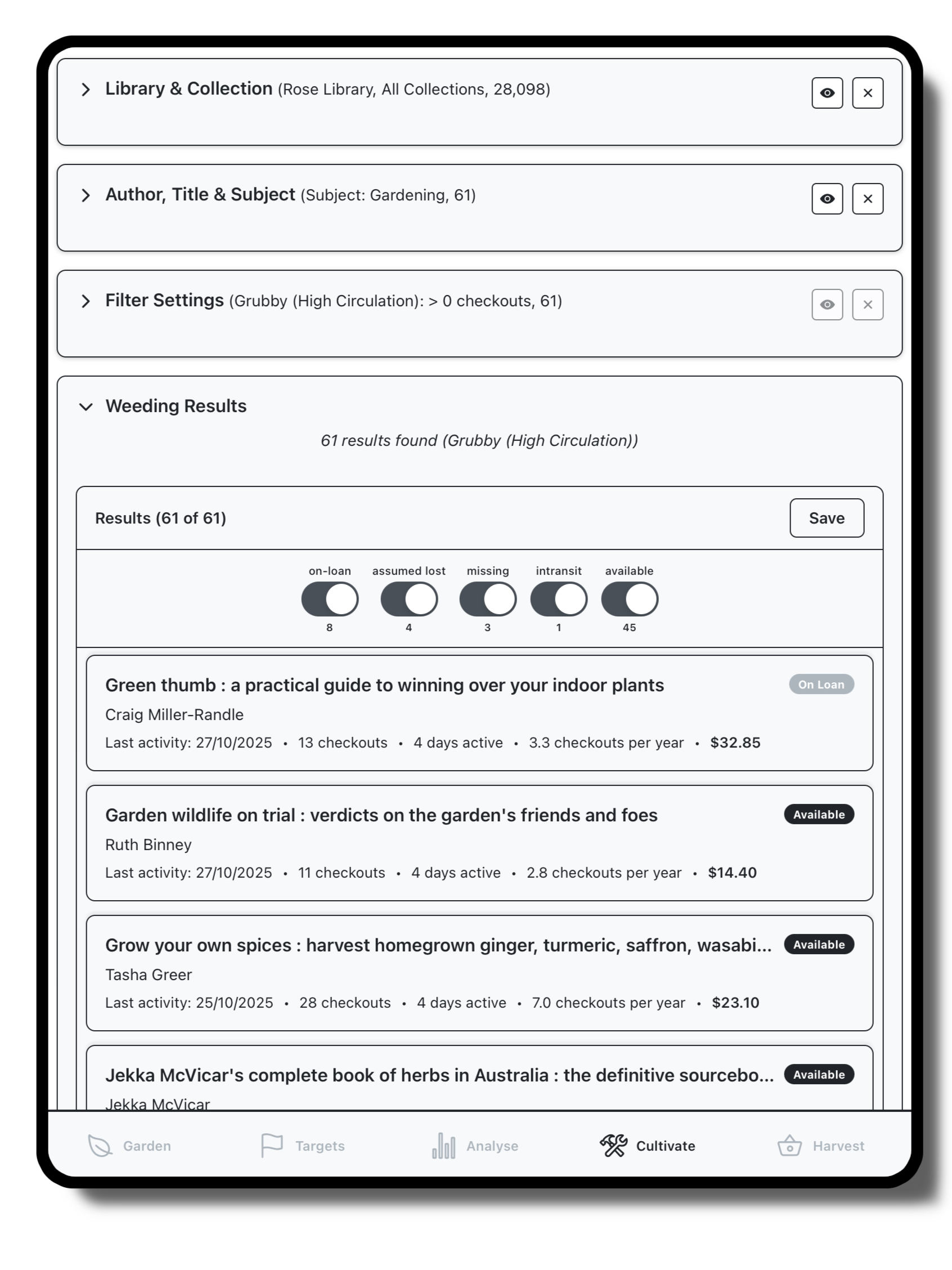
Run specific queries on your data, to prepare lists based on usage statistics or author/title/subject information.
Harvest
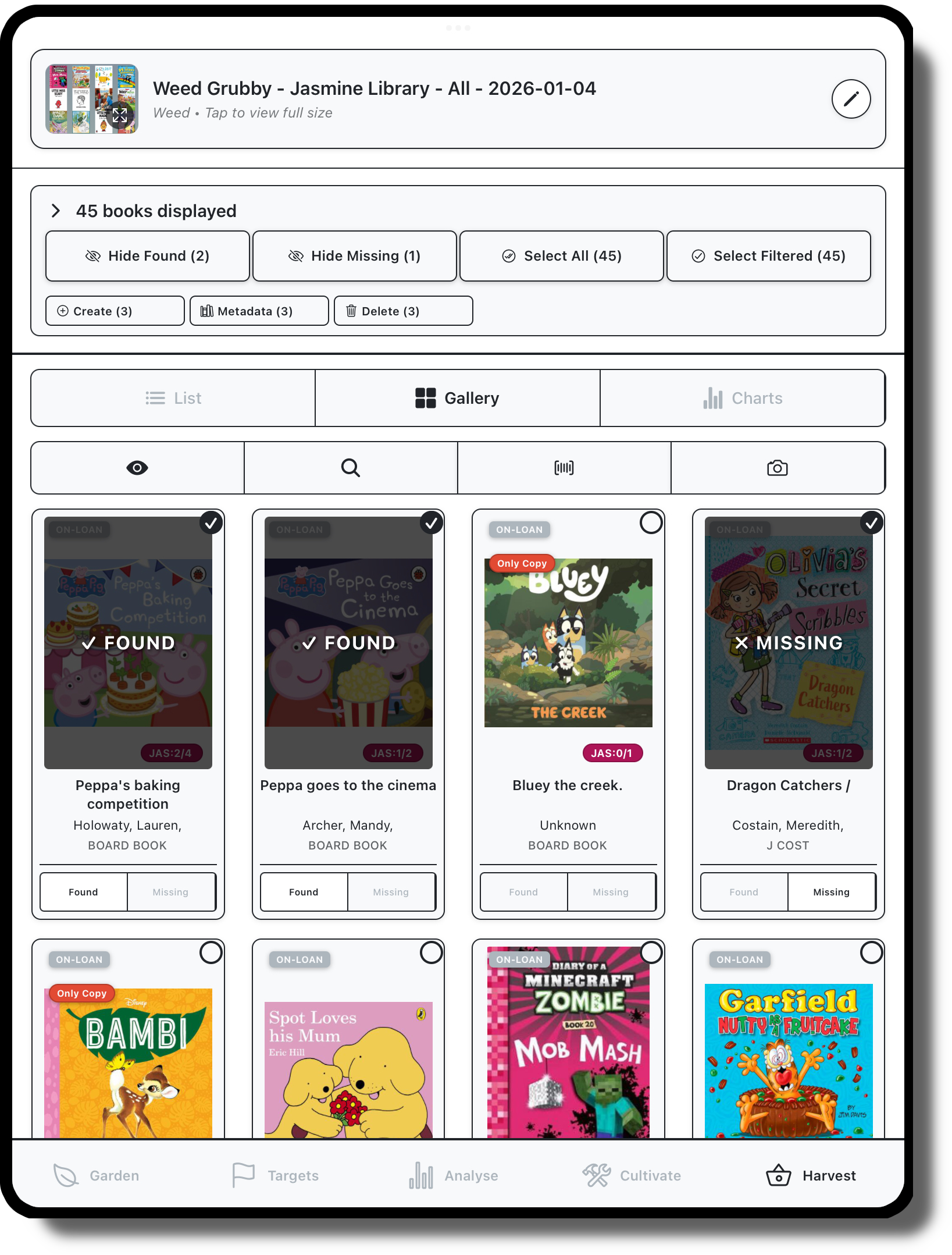
Action your crops, marking off items as found on the floor, viewing statistics and preparing displays.
Garden
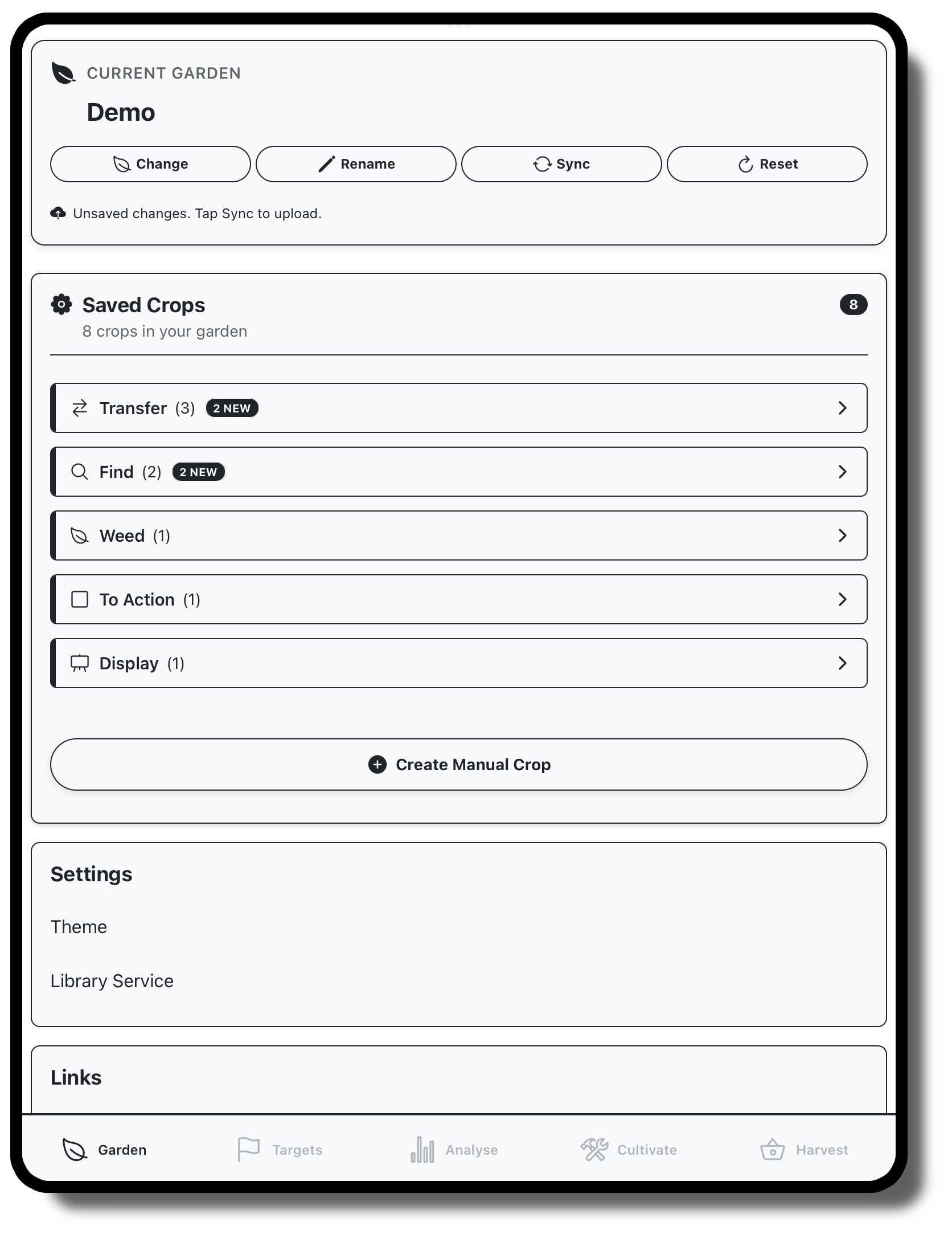
Manage saved crops, share with other staff or prepare exports for sharing
Analysis
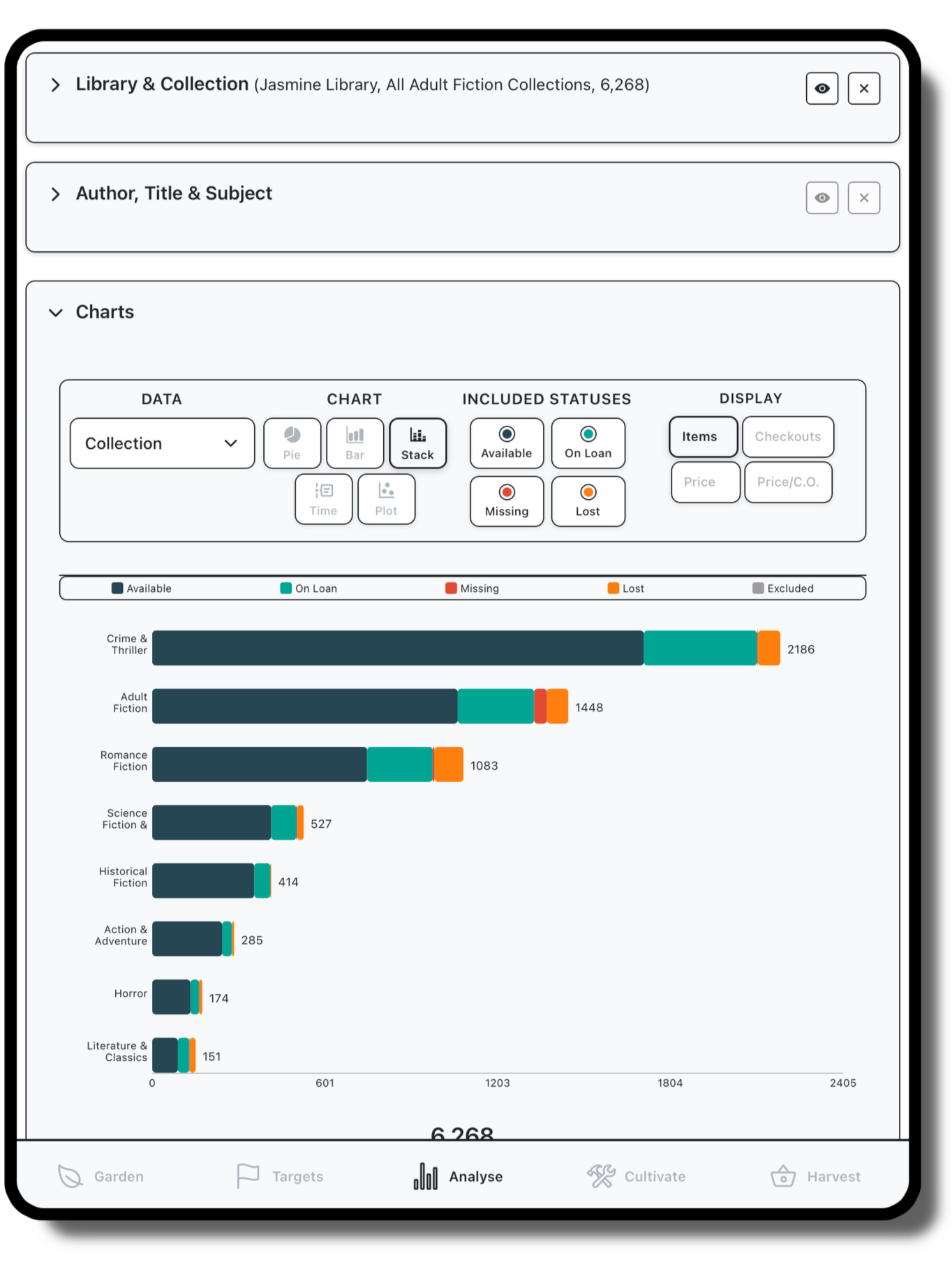
View statistics for your collection, export charts for sharing
Targets
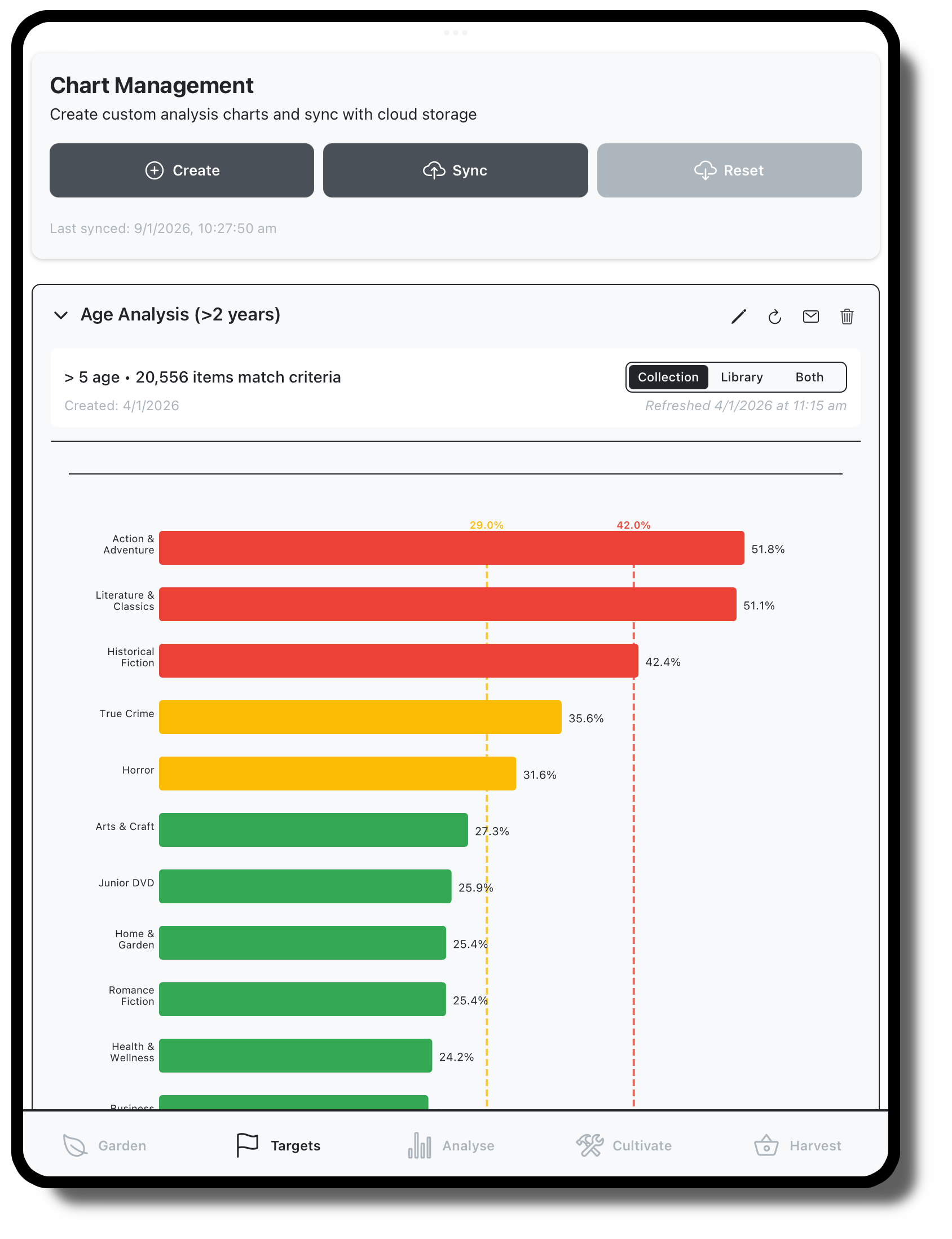
Set targets charts to view collection health, update these over time to see how things develop