Harvest
How can I sort and filter a crop, to target specific sections?
The Crop Filter panel can be expanded to show options for searching, filtering, and sorting the current crop. In this example, we’ll use it to take the crop we previously created, and filter for items available for immediate action.
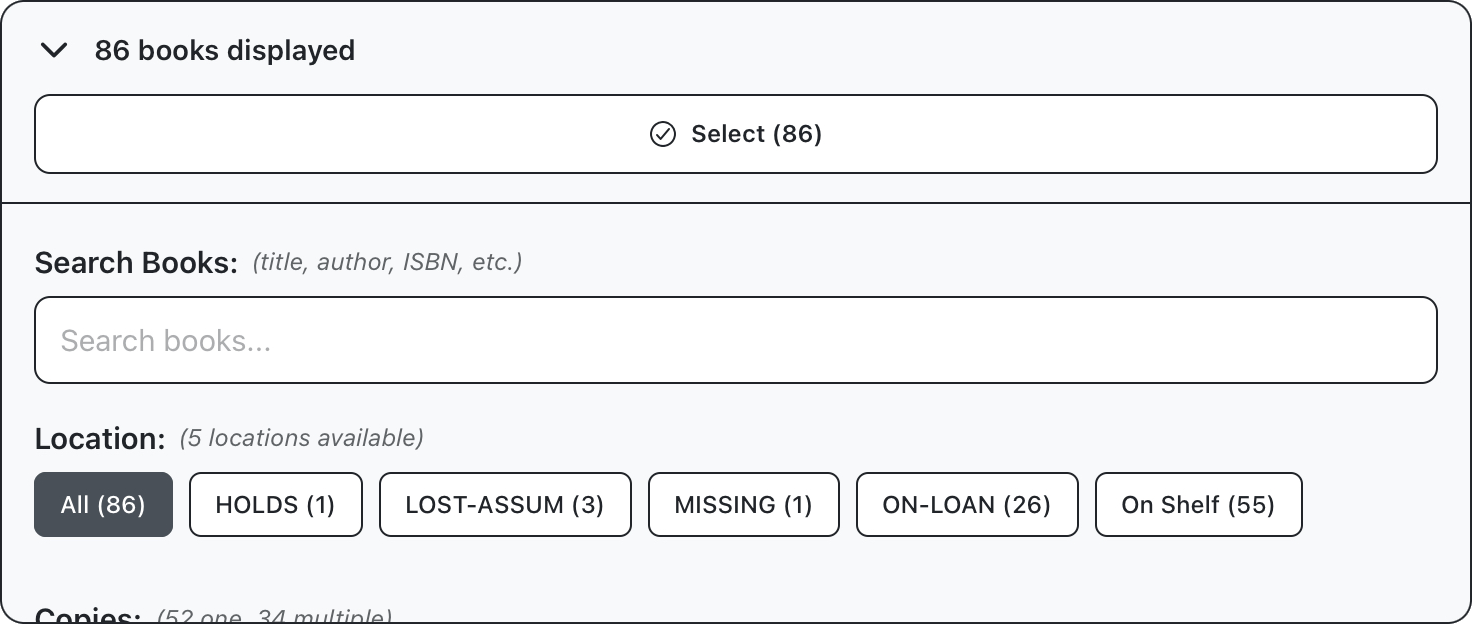
Expand the filter panel to display filter options. The first set of options are for location and number of copies. The location of an item will generally be either on the shelf or on loan, although there are some special conditions like holds and lost assumed. Number of copies refers to the total number of this item across the entire branch. For this example, we’ll select items available on the shelf, and which are not the only copy.
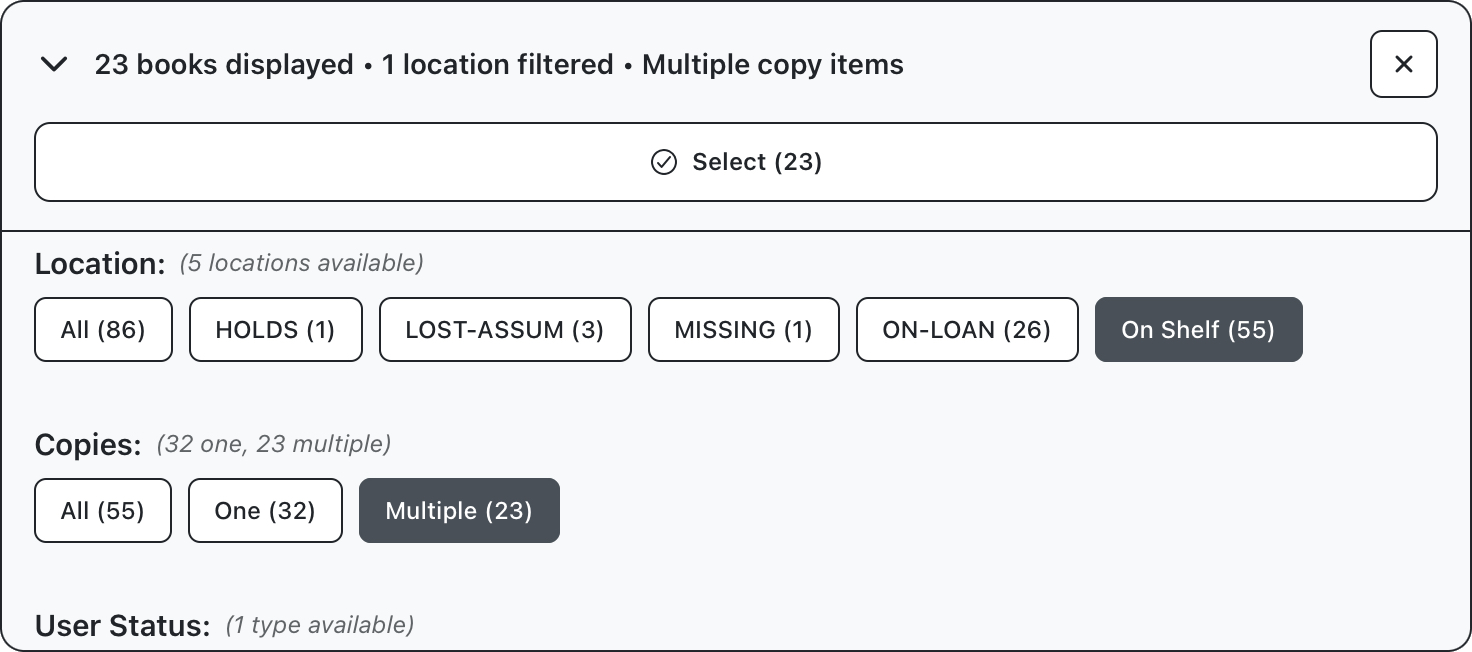
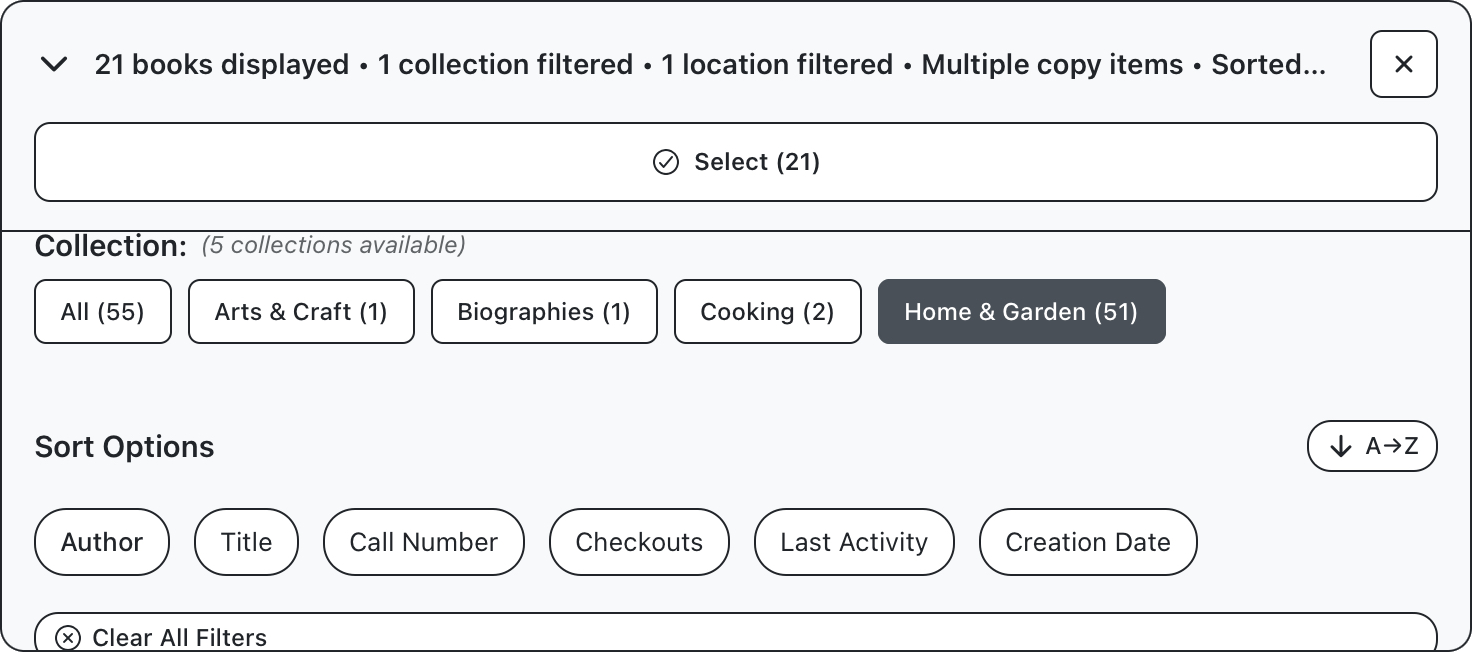
The count at the top of the display, and on each button, will update as you filter your collection, so far we’ve reduced our collection from 83 down to 23 items. We’ll further limit this to target only items in the home and garden section, and sort results by author name.
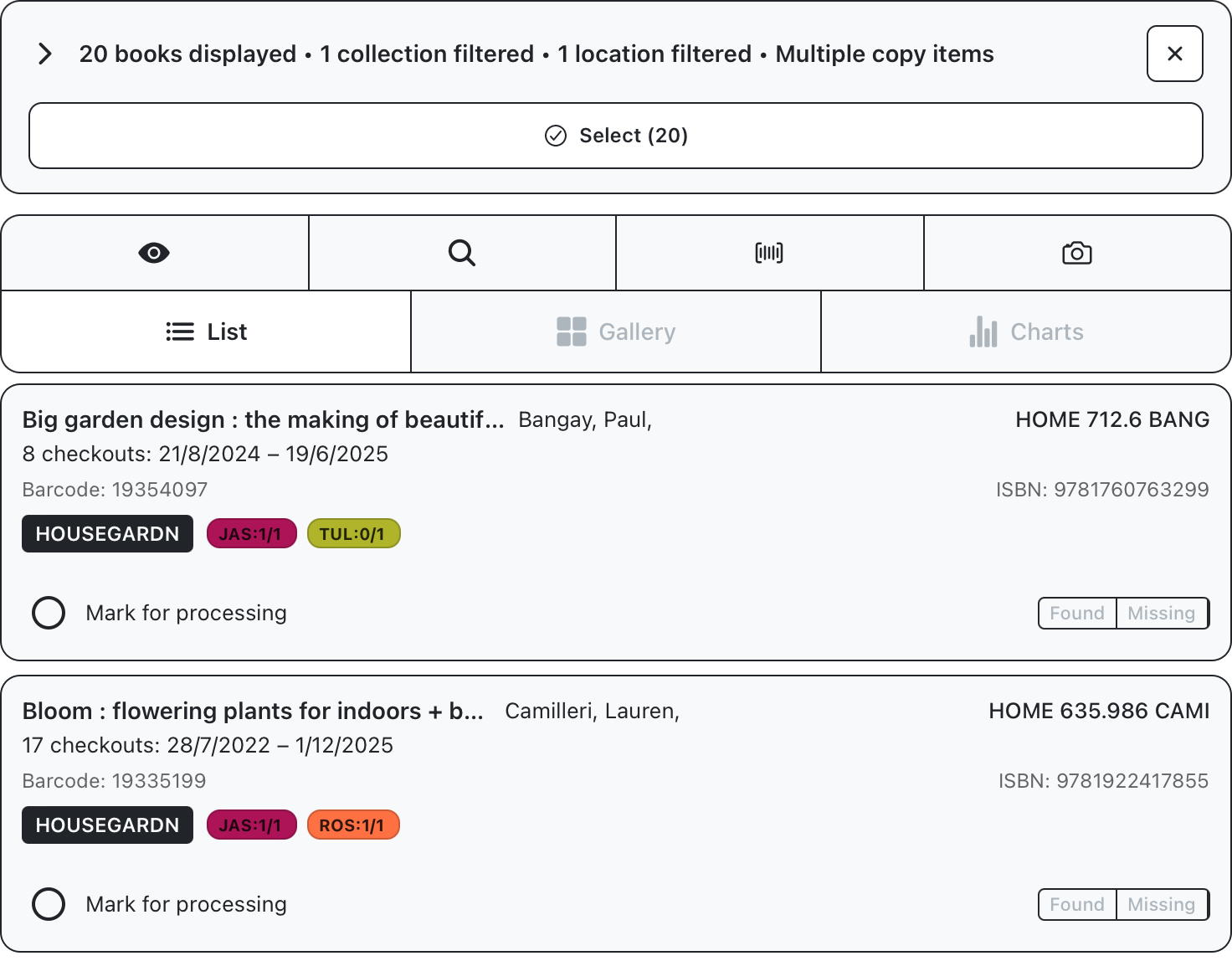
Our original collection of 81 books has now been filtered to 21 entries which are in the library and not final copies, available in the Home & garden section sorted by author. We’re now ready to use this crop on the floor.