Targets
This screen lets you create and refresh target charts, to view collection health over time.
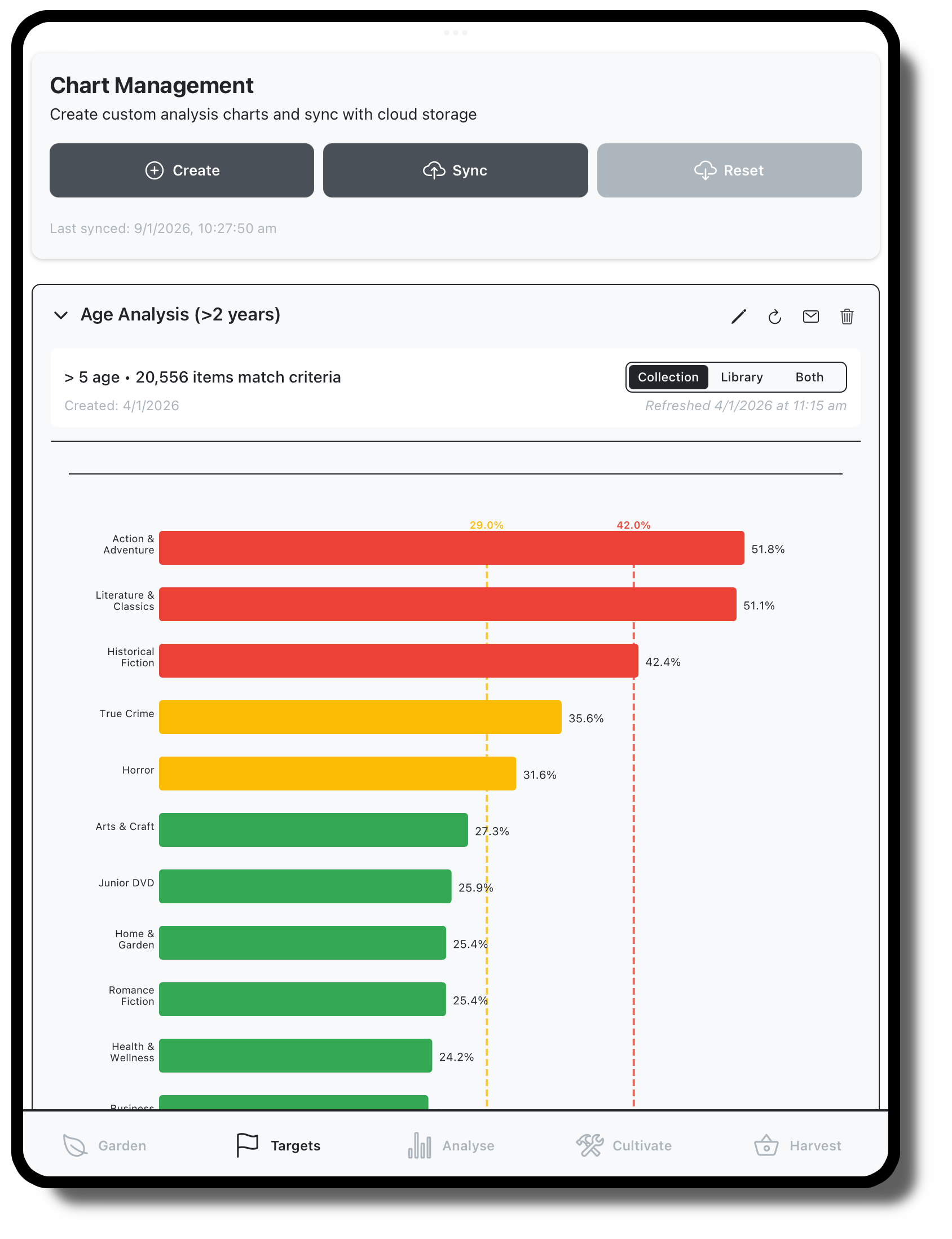
Create charts based on the same filter criteria as Cultivation and Analysis
Add targets
Charts are saved to the garden alongside crops, and can be shared with other users or exported in html or csv format.
Refresh saved charts to see change in collection health
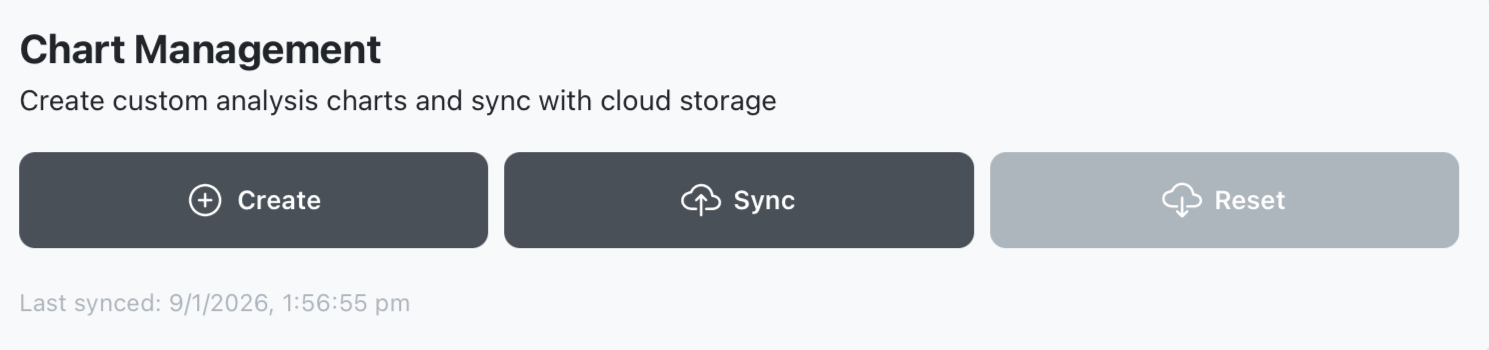
Chart Management
Use this panel to create charts, or sync with online data.
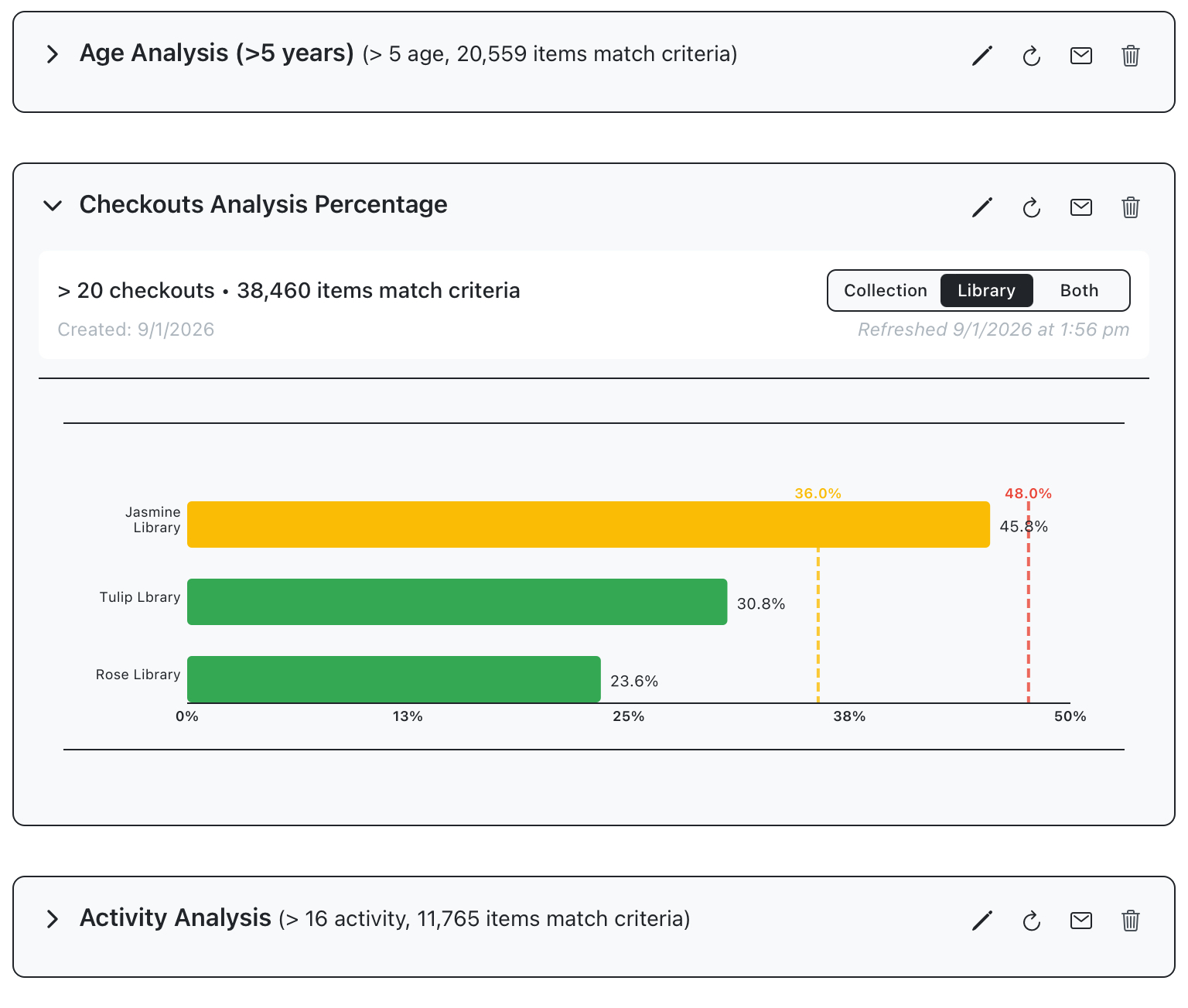
Chart panels
Previously created charts are displayed down the page, where they can be edited or deleted
Select the refresh icon to update charts based on new data.
Select the email icon to export chart in html and csv format