Analysis
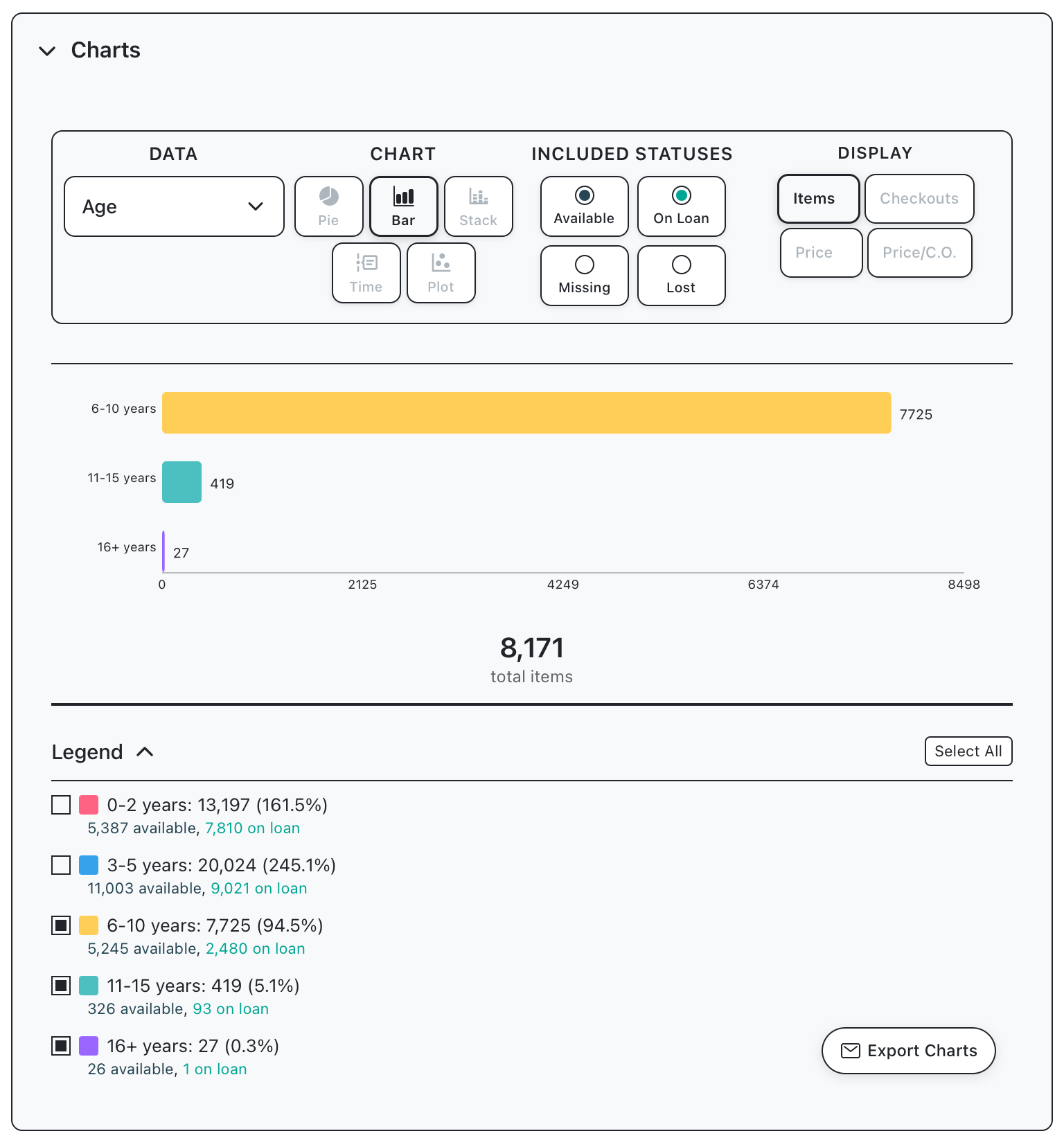
How many available items at my library are more than 5 years old?
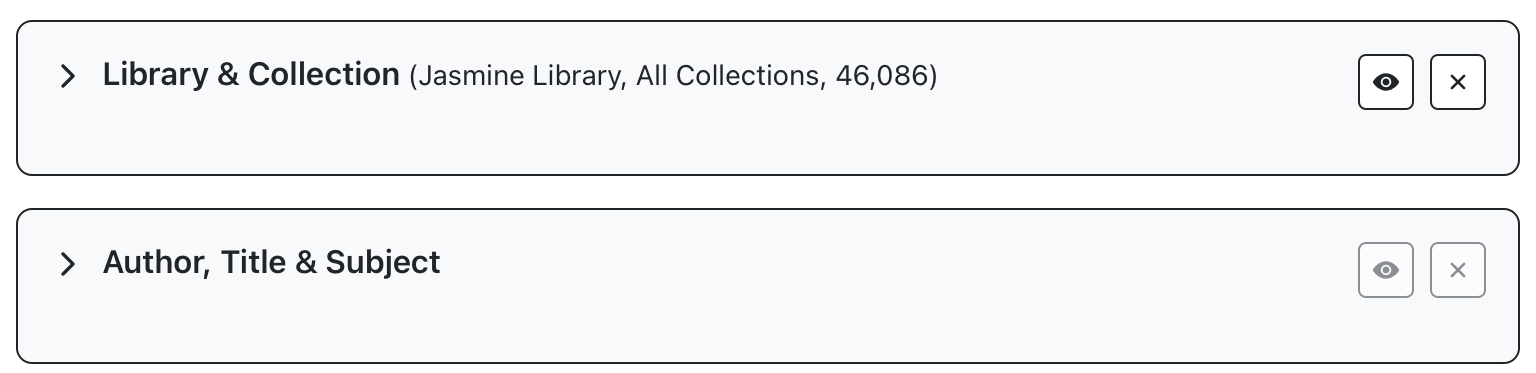
Use the Library and Collection panel to select your library, the Author and Title panel will not be used in this example.
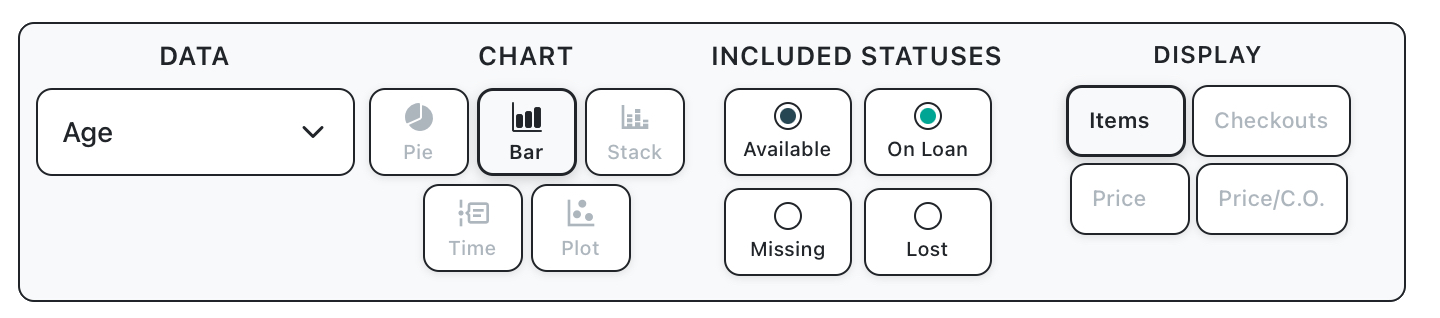
Use the chart controls to select “Age”. Then set chart type to “Bar” and exclude statuses “Missing” and “Lost”.
A bar chart should display showing the age of items at the target library. Use the legend to exclude items which are less than 5 years old