Garden
I’d like to create a new garden, so I can start managing my own crops
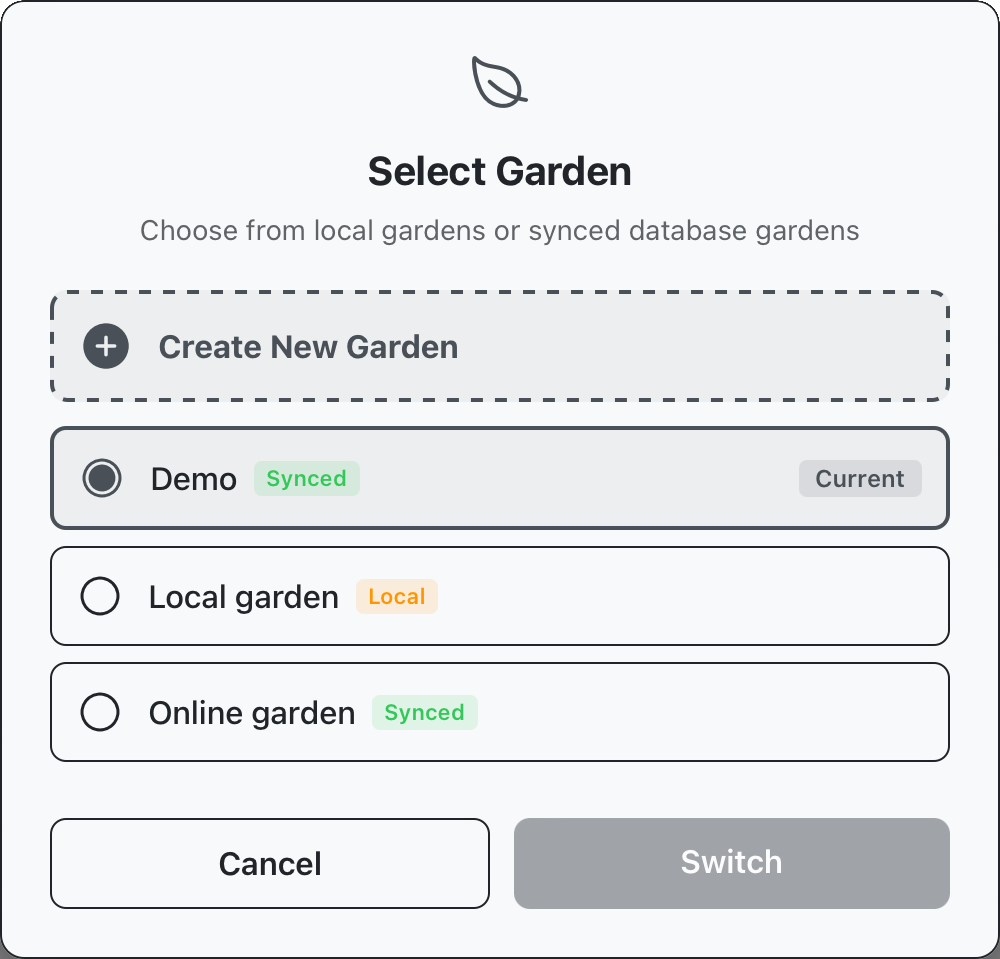
We’ll get started on the Garden panel at the top of the page. Use the change garden button to open a display showing available gardens (local or online), to create a new garden, click the “create new garden” button.
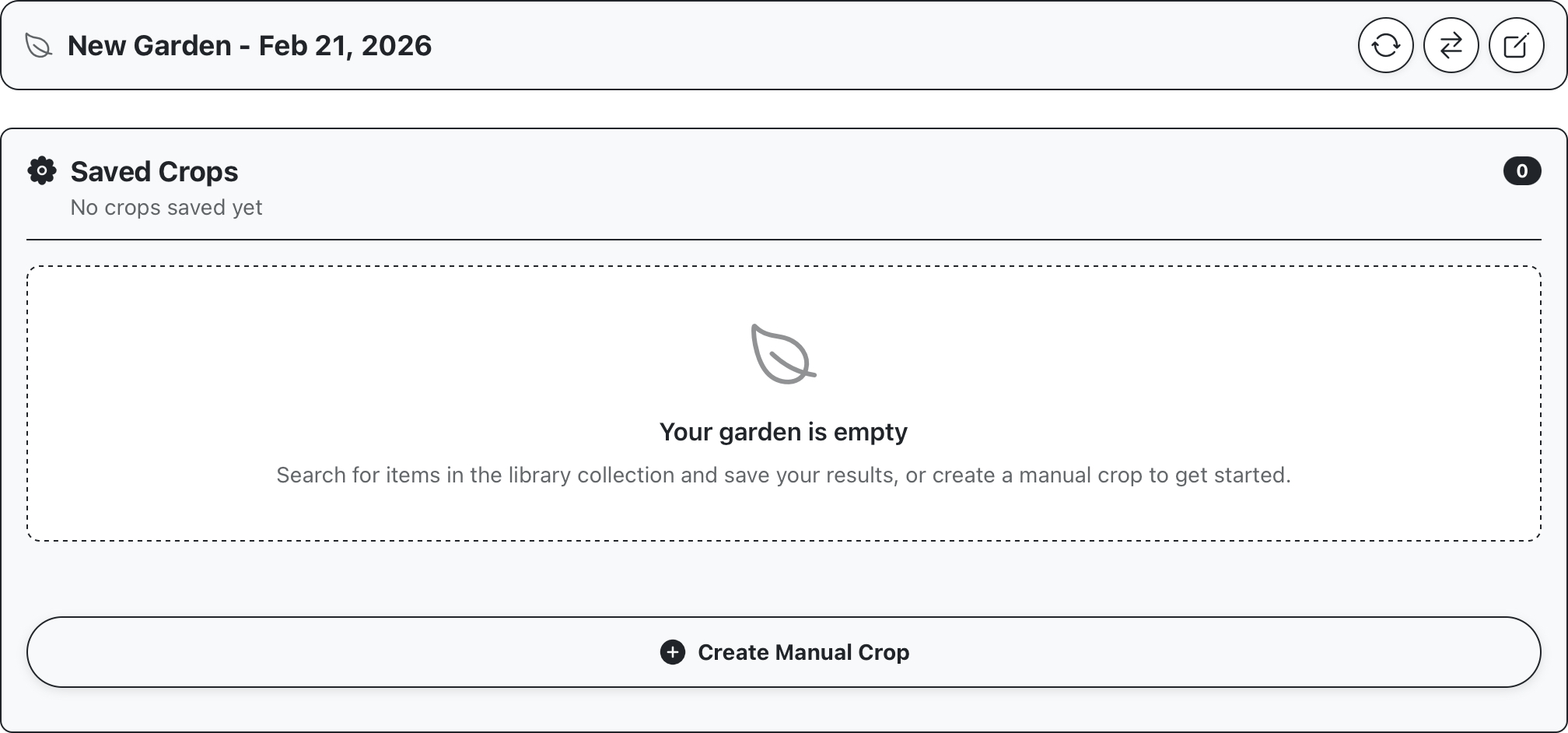
This will create and open a new garden. Currently there are no crops in our new garden. If you’ve already read the Cultivation section you’ll be familiar with how to use the Cultivate screen to generate crops in our garden, for this example we’ll just copy some crops across from the demo garden.
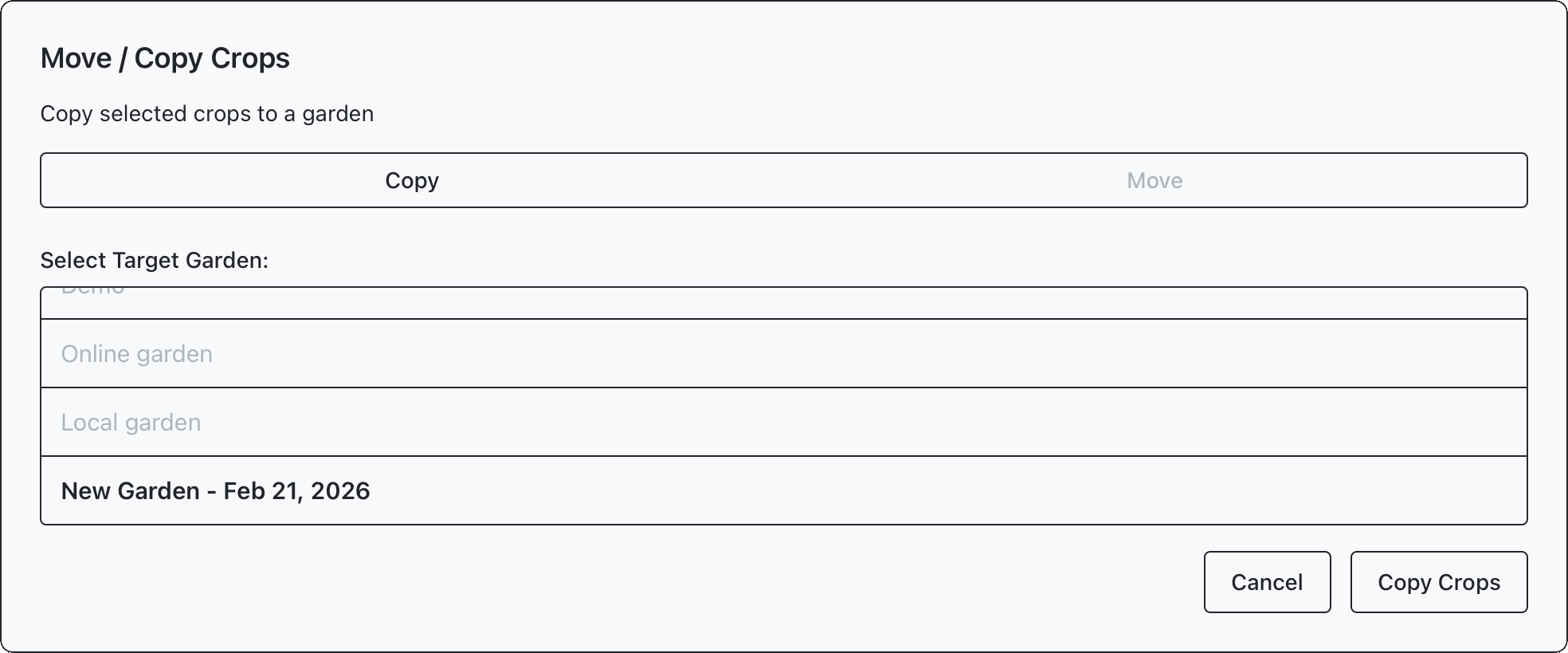
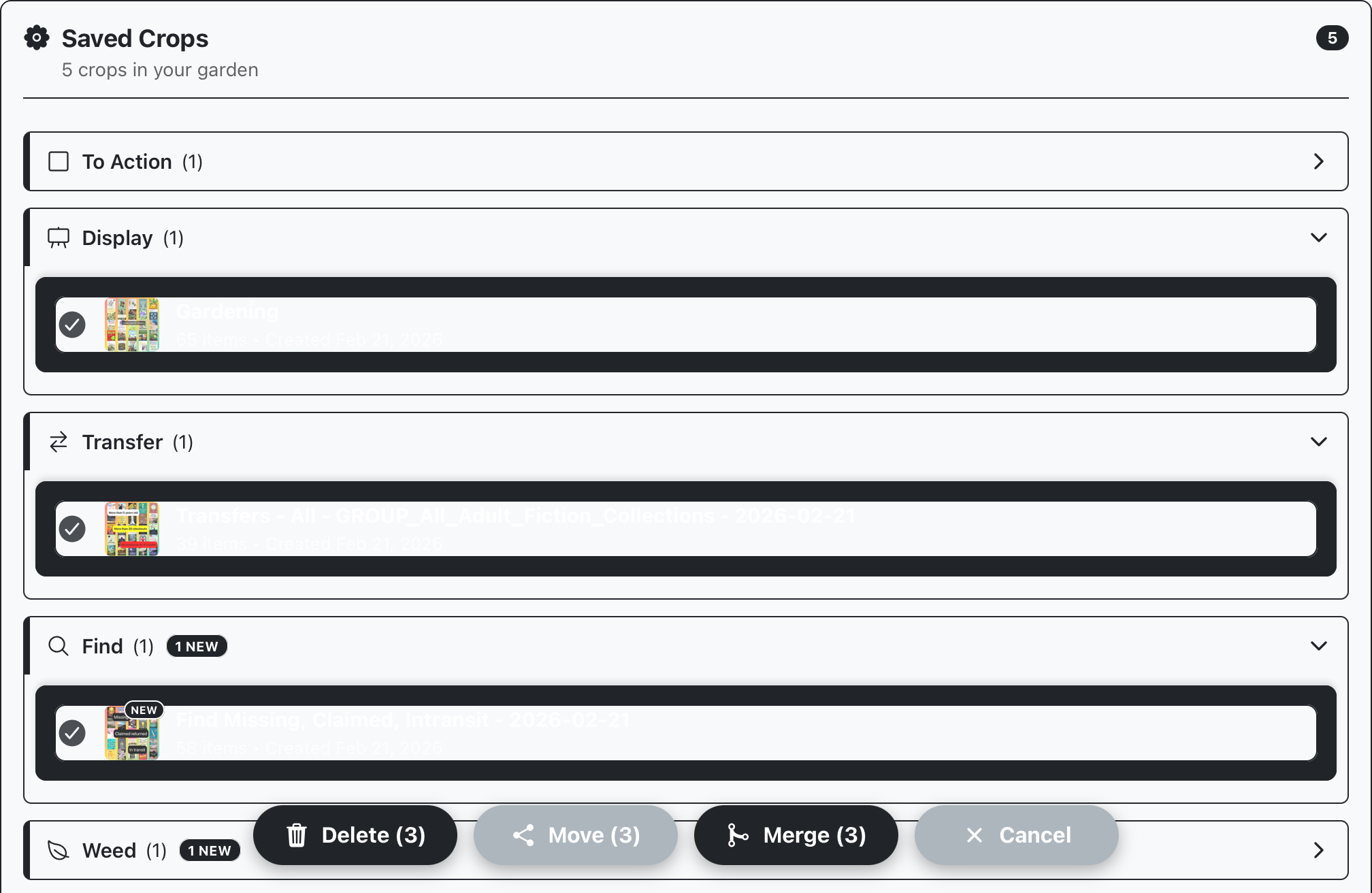
Use the change gardens button again to navigate back to the demo garden and select some crops to copy across. Long pressing a crop will enable multi select mode, where you can select multiple crops to action. We’ll select a handful of crops and select “move” to copy them into our new garden.
Selecting “move” will open a display to select the target garden, and whether crops should be copied or moved, select “copy” so we’re not taking anything out of the demo garden. After moving across any desired crops, we can return to our new garden and verify that they’ve been copied successfully.