Garden
I’d like to create a new garden, so I can start managing my own crops
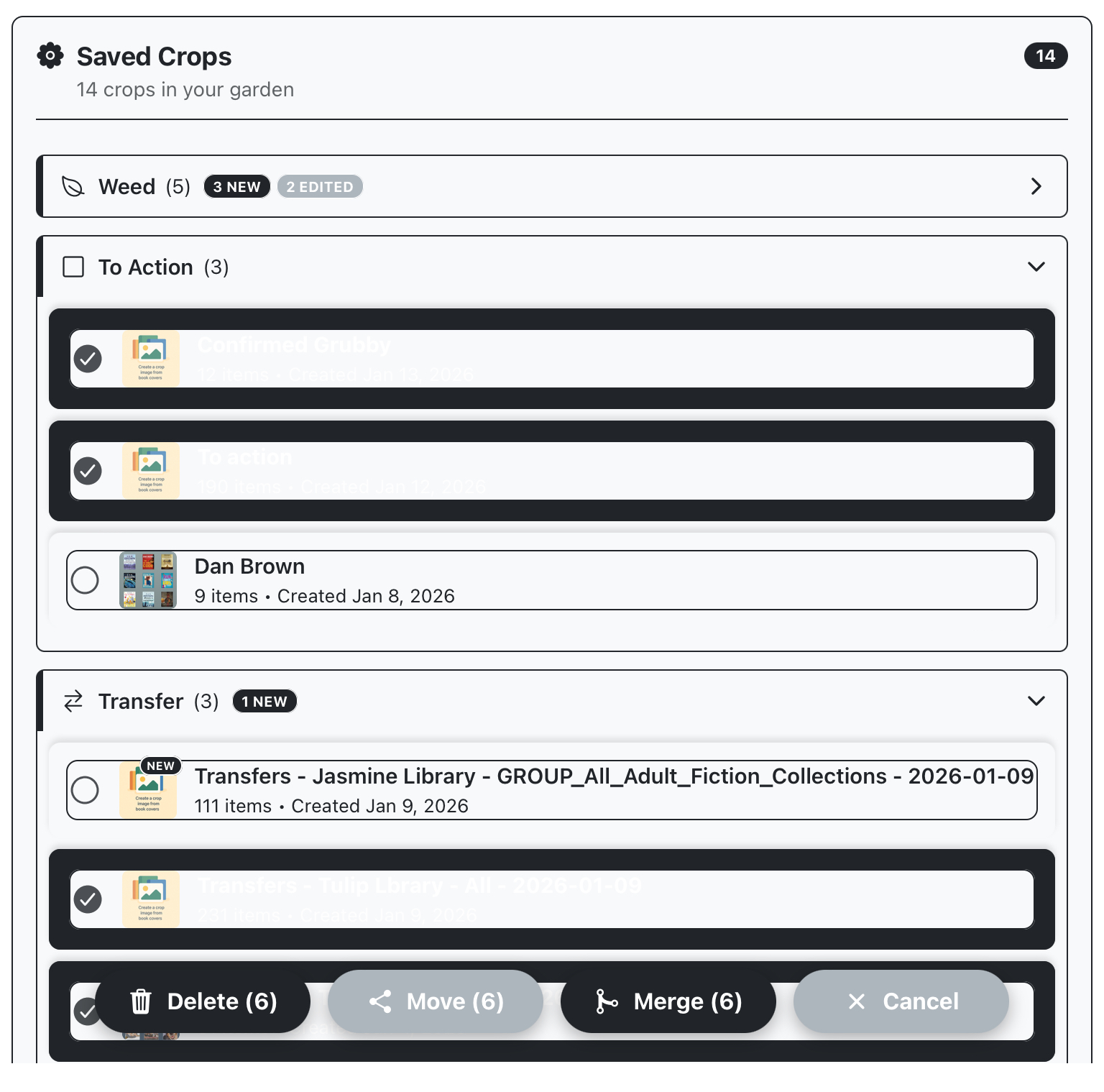
Start by long pressing one of the desired crops, to activate selection mode. Select the remaining desired crops and then select “merge”
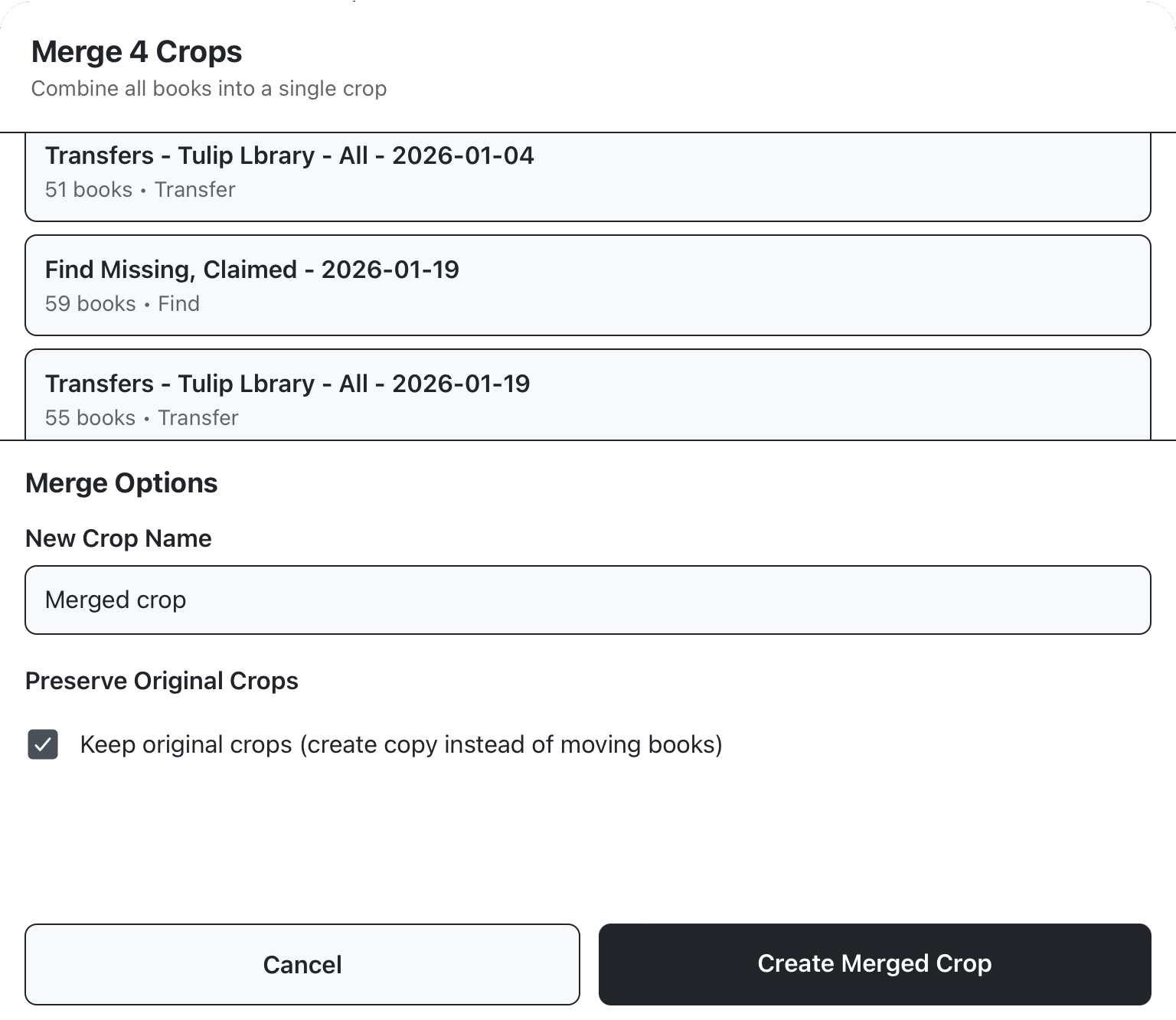
This will open a panel showing you the crops to be merged and letting you set a name for the new crop. By default, the original crops will be destroyed, select “keep original crops” if you’d like to preserve them.